October 10, 2026
How to choose online booking software: a 10-point checklist
Before you sign up for an online appointment scheduler for your business, run through these ten points, from reminders to your customers' data.
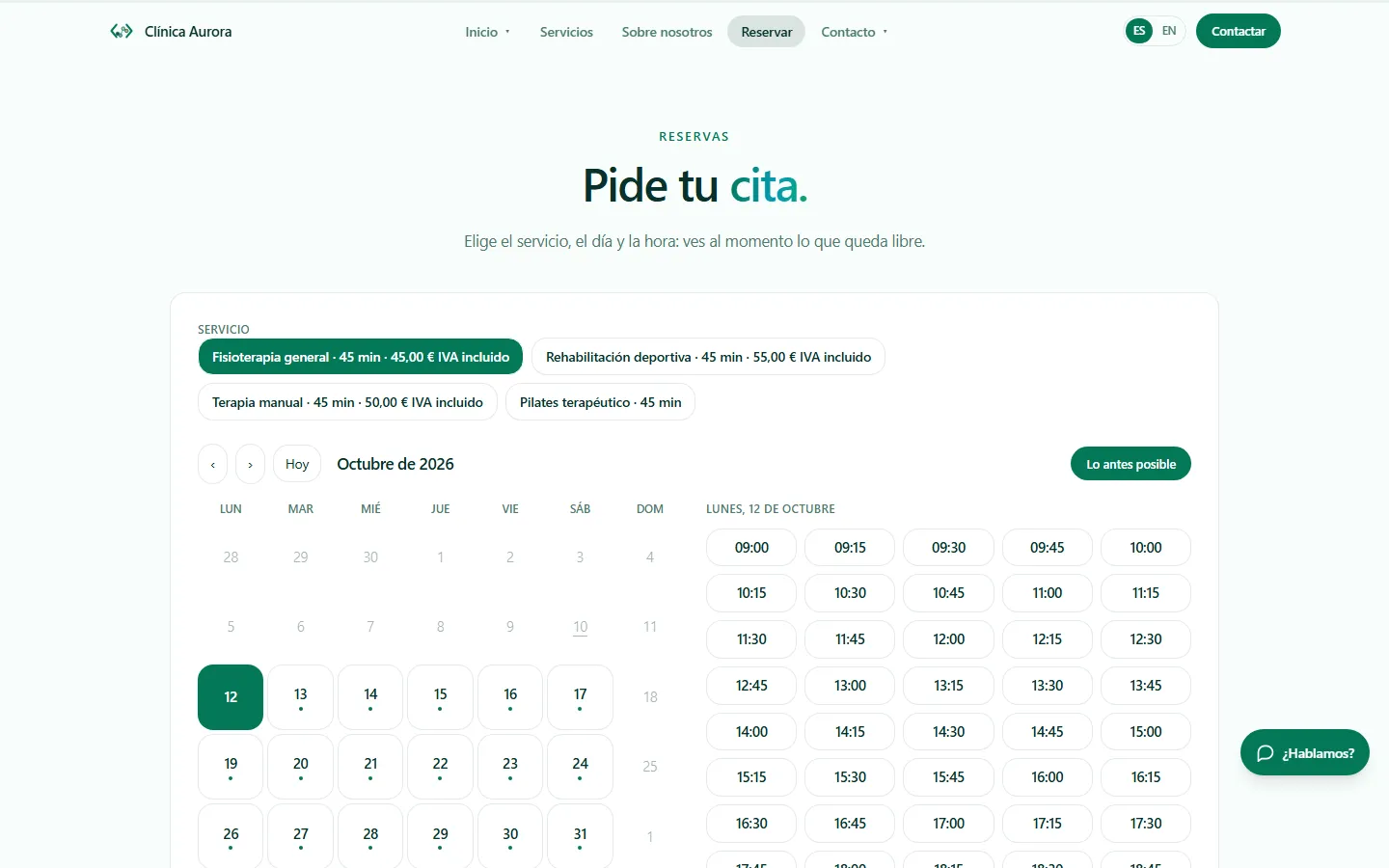
Choosing online booking software seems easy until you have used it for a month and discover what it lacks. This ten-point list helps you compare any online appointment scheduler for businesses calmly, ours included.
The basics of the calendar
Point 1. Services, professionals and resources. Check that you can model your real business: treatments of different lengths, several professionals, rooms, tables or hotel rooms.
Point 2. Booking rules. It should allow a minimum notice period, a maximum of bookings at the same time, and let you choose whether an appointment is confirmed instantly or approved by you.
Point 3. No overlaps. The calendar must prevent two appointments on the same resource at the same time, even if two people book at once.
Point 4. Appointment reminders. Ask which channels they go out on, email, SMS or WhatsApp, and whether you can set your own lead time.
Payments, channels and connections
Point 5. Optional deposit. If you want to charge a deposit, check that it goes to your own Stripe account and does not pass through the provider's.
Point 6. External calendar. If you already use Google or Outlook, look for syncing so that time busy elsewhere also blocks slots.
Point 7. Website and channels. Consider whether it includes your own website in your languages, and whether it connects to WhatsApp through the official API and only with people who have agreed.
Team and data
Point 8. Roles. Not everyone should see everything: owner, editor and reception should have different permissions.
Point 9. Data protection. See whether it asks for cookie consent, offers two-step verification, encrypts sensitive health text and lets you export or delete a person's data.
Point 10. Backups and exit. Ask about daily backups and how you take your data with you if you ever switch tools.
How to use the list
Score each point from one to three according to your own priorities; a restaurant will weigh tables more and a law office will weigh confidentiality. Test the software with a real case from your week, not a generic demo. And be wary of any promise you cannot check yourself.
If you would like to run this list against Axon, ask for a demo and we will go through the ten points with your specific case.