October 24, 2026
How to cut no-shows with WhatsApp, SMS and email appointment reminders
A missed appointment is an hour you never get back. How to set up reminders that work without annoying anyone.
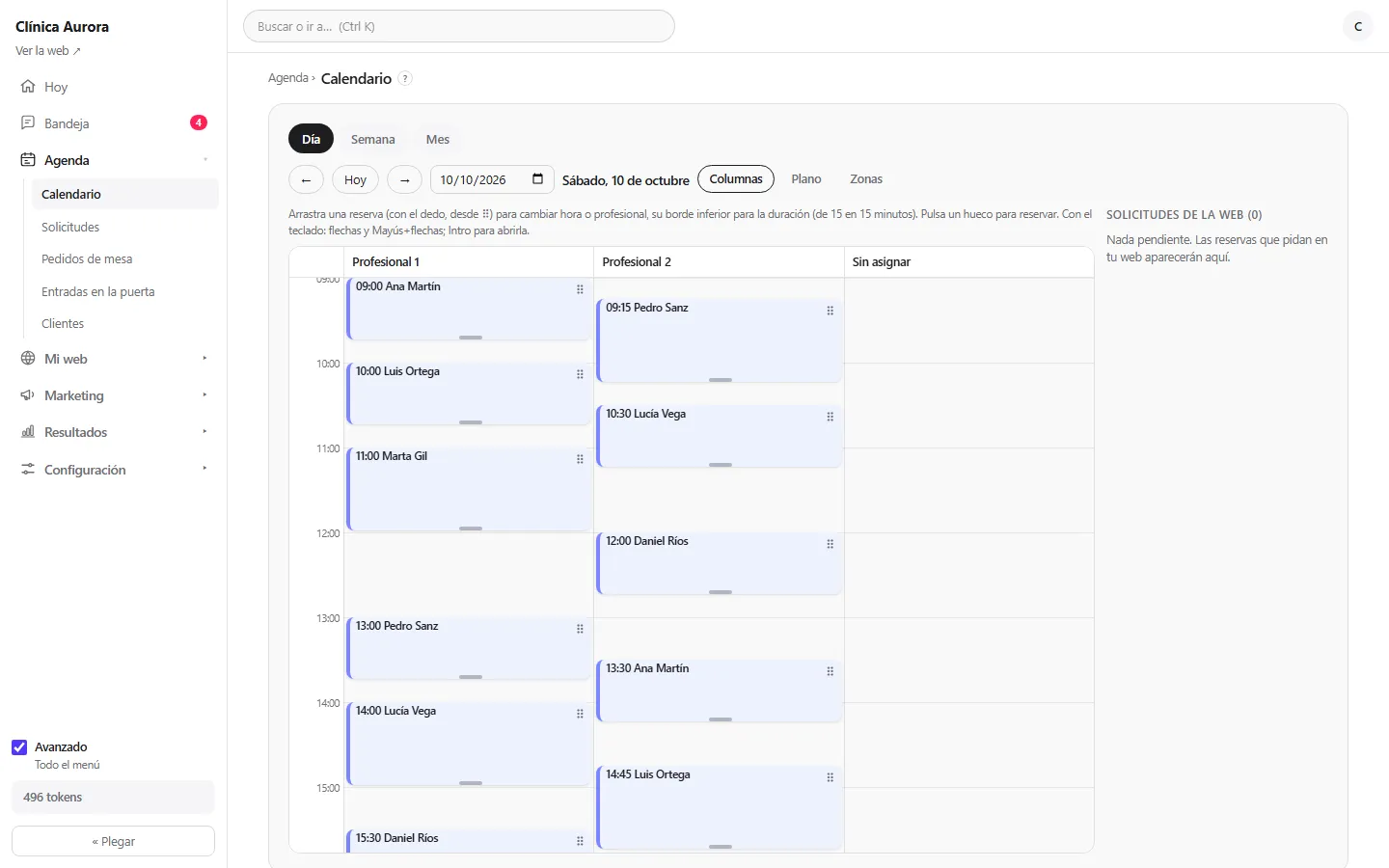
An appointment nobody turns up for is an hour of your team that never comes back. Appointment reminders by WhatsApp, SMS or email do not remove no-shows, but they are the simplest way to cut them.
What a good reminder does
It arrives the day before and, if you like, again a few hours ahead. It says who, what, when and where, and carries a link to change or cancel. Cancelling beats not showing up: the slot is free and someone on your waiting list can take it.
Pick the channel for your customer
Email works for people who read it daily; SMS reaches anyone with a phone; WhatsApp is the channel most people check first. In Axon you choose the channels and each notice goes out in the language of that person's booking.
Change or cancel without calling
Every appointment has its own page behind a private link. From there the customer changes the time or cancels within the notice you set. You see the change in your agenda at once and the waiting list tells whoever was hoping for a slot.
A deposit for the hard cases
If a service is in high demand you can ask for a deposit when booking. It is charged to your own Stripe account, not ours. It is the strongest tool against no-shows, so use it where it really matters.
With permission and an opt-out
Reminders belong to the service the person booked. Marketing messages only go to people who accepted them, and each one carries its unsubscribe link.
If you want to see reminders set up with your own services, ask for an Axon demo.