10 questions to ask before choosing booking software
Ten questions to ask before choosing booking software for your business: reservations, data, team, reminders, support and what happens if you ever leave.
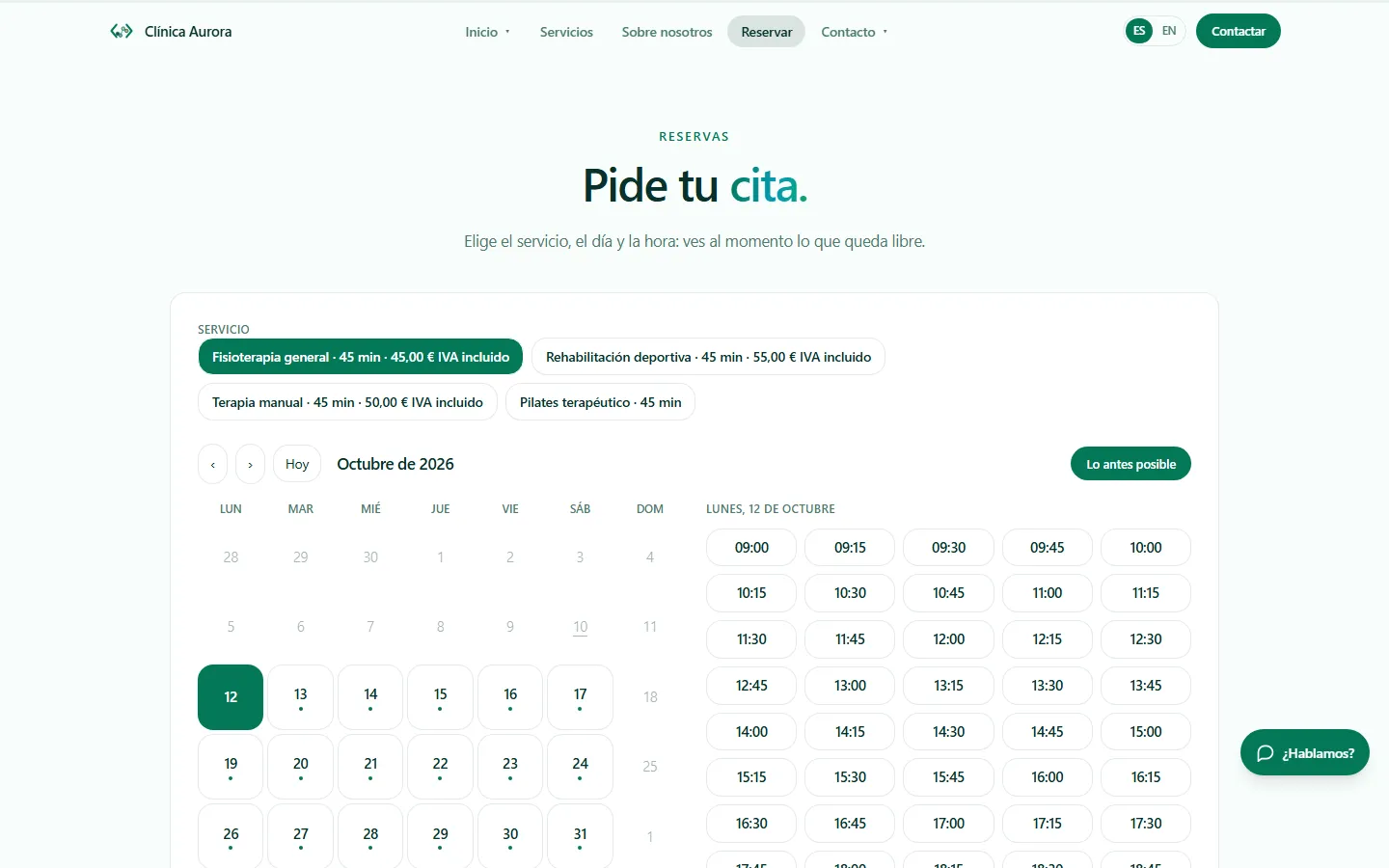
Choosing booking software is a decision that lasts years: your diary, your customers and a good part of your day live in it. A pretty demo is not enough. These ten questions work for comparing any software, ours included, and you can put them to anyone.
What it does day to day
1. Can your customer book without phoning you and without installing anything? Ask to see it on a phone, as they would: choose service, professional and time in a few steps.
2. Does it understand your business? Services with their own length and price, several professionals or rooms, breaks, holidays. If your case is unusual (classes, tables, teams), ask them to show it with an example similar to yours.
3. Does it stop appointments overlapping? A diary must not allow the same slot of the same resource to be booked twice. Ask how that is guaranteed, not just whether it "does it".
What reduces no-shows and workload
4. Does it send reminders, and through which channels? Email, SMS or WhatsApp, and who pays for them. Ask whether they go out in the customer's language and whether they respect someone not wanting to receive them.
5. What happens with calls and messages outside opening hours? A chat or assistant that answers and books can save you a lot, but ask what the machine decides and when the conversation passes to a person.
What has to do with your data
6. Who owns your customers' data? It must be you. Ask what role the supplier has (data processor) and whether a contract sets it out.
7. Can you export it, and in what format? A CSV sheet of your customers is the minimum. Ask also how a person is erased when they ask you to.
8. Where is it stored and who has access? Ask about two-step verification for your account, about roles for your team (so reception does not see what it should not) and about backups.
What has to do with the future
9. What is the real cost? Ask for the final price, what each extra costs (reminders, AI, users), what each plan includes and whether there is a minimum term. Get the prices in writing and compare them with your real use, not a demo's.
10. What happens if you leave one day? How you cancel, what you take with you and how quickly, and what happens to your data afterwards. It is the question almost nobody asks and the one that weighs most.
How to use the list
A program does not need to win on all ten. Make a table with your three or four must-haves and score each option. Try it with a week of real data, not examples. Ask the seller to show you the weak points: if they only tell you strengths, be wary.
And talk to someone already using it in a business similar to yours, without intermediaries.
What Axon answers to some of them
On what we can confirm today: Axon includes online booking from your own website, a diary that controls overlaps, email and SMS reminders, one inbox for the website and WhatsApp, team roles, two-step verification, export and deletion of a person's data, and customer import by CSV. Axon is not clinical software and does not store health data: that is what Atlas is for.
Prices, extras and terms are under Pricing; always read the small print.
A note on demos
A demo is prepared with pretty data and an easy case. Ask them to do it with your business: your services, your hours, your team and a case that gives you headaches (a two-hour appointment with two professionals, a customer who changes the time three times). If the program handles it calmly, you are in good shape. If the answer is "we will look at that later", note it down: later probably never comes.
To decide
Print the ten questions, put them to two or three programs and compare the answers in writing. The one that answers questions 6, 7 and 10 best is usually the one that treats you best if you change your mind one day.