A Catalan and Spanish website without doing the work twice
How to have your site in Catalan and Spanish without writing everything twice: main language, AI translation, what is translated and keeping them in step.
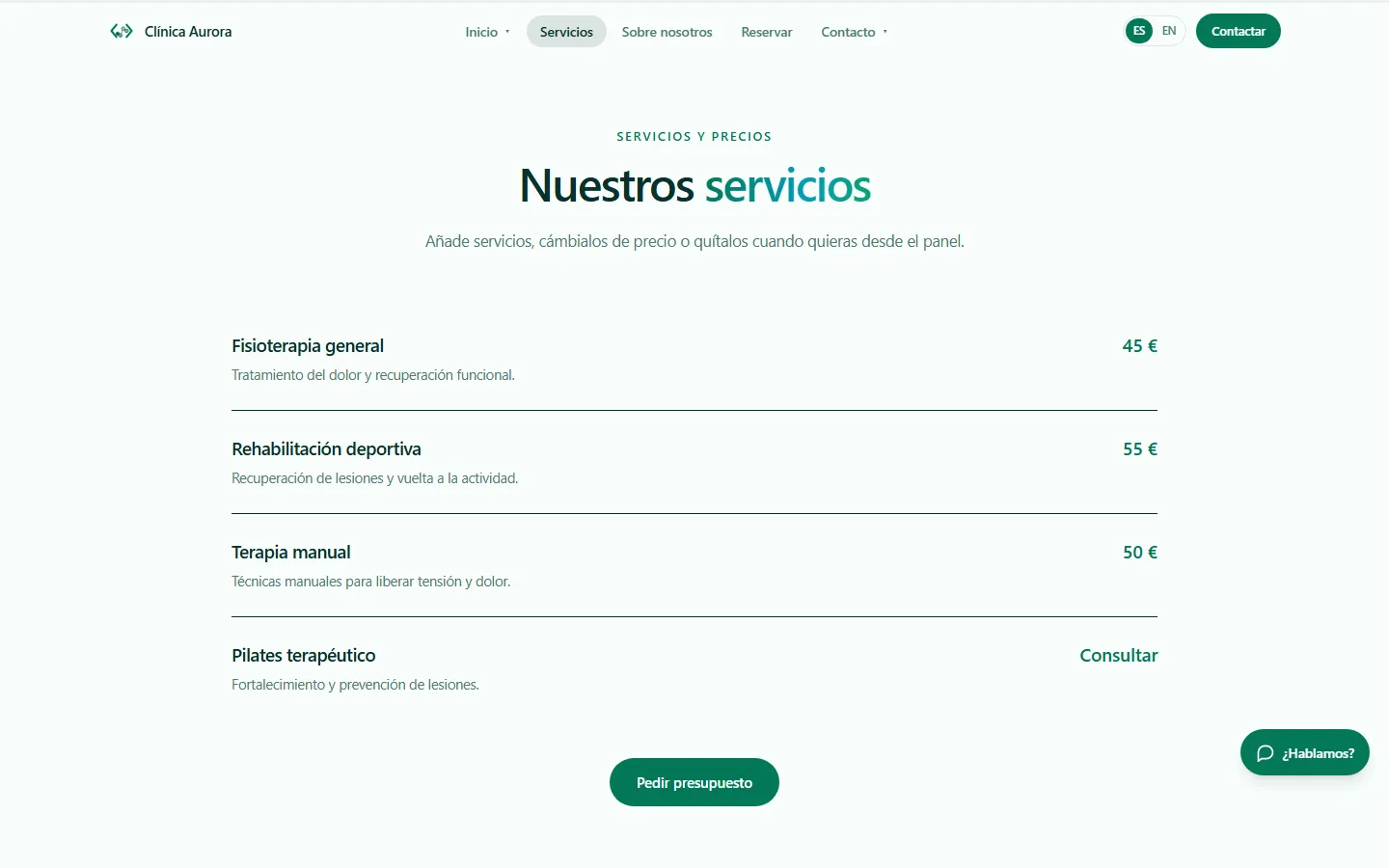
Many businesses in Catalonia, Valencia or the Balearic Islands need their website in Catalan and in Spanish, and sometimes in English too. The usual fear is doing the work twice: every change made two times. It does not have to be like that if the website was designed for several languages from the start.
One main language, the others follow
The idea that works is to choose a main language, where you really write, and let the others follow it. In Axon, a website is born already in three languages (Spanish, Catalan and English) and you decide which one is the main one. You can add others with AI from the Languages section.
The design is one design
The most important point for avoiding duplication: the design is the same for all languages. The order of the sections, which ones are visible, which view each has and its style carry across by themselves. If you add a new section or change the order in the main language, it appears the same in the others. Only the texts are specific to each language.
So when you change the design you do not repeat it in three places, and the website does not drift apart between versions.
Translate with AI and review
When you add a language, the AI translates your website's texts. It is a good base, not a final version: read it, especially titles, prices, the names of your services and anything that should sound like you. A service may have a proper name that is not translated.
If you have edited a text by hand in another language, Axon respects it: it does not overwrite it when synchronising.
Translating with AI uses the AI included in your plan: Axon tells you before starting how many texts it will translate, and if there is not enough left this month it uses nothing. If there is nothing to translate, nothing is charged. Check Pricing for what your plan includes.
Synchronise and translate: keeping them in step
The real problem is not creating the versions but maintaining them. That is what "Synchronise and translate" is for: it uses the main language as the base and brings the others up to date: new or removed sections, order, visibility, images, links and figures. For the texts, it translates with AI only those that changed since last time, not the whole site. A dot appears on languages that are behind so you can see which ones.
The comfortable routine:
- Always edit the main language first.
- When done, press Synchronise and translate and check the estimate.
- Skim the new texts in the other languages.
Addresses and Google
Each language has its own addresses, with the page name translated, and the default language goes without a prefix. Google learns which version belongs to which language, so someone searching in Catalan gets the Catalan page and someone searching in Spanish gets the Spanish one. Axon handles that part for you.
A useful tip: only offer languages that are properly finished. A half-done version, with texts still untranslated, is worse than none, so review before leaving a language visible.
And the rest of the business
The website is not the only thing that talks to your customers. In Axon, the diary's reminders and notices go out in the language of the appointment: the one chosen by whoever booked, otherwise the one on their record, otherwise your site's main language. So a customer who booked in Catalan gets their reminder in Catalan.
What remains yours
The AI translates, but it does not know your business as you do. Three things to check every time: service names, tone (formal or informal address) and legal texts. Your website's legal pages are a base template you can replace with your own in each language, and what your site says is your responsibility, so it is best to check them with your adviser.
To start
Go to the Languages section of your website, pick your main language and check how the Catalan looks before publishing. When you change something, use Synchronise and translate and check the cost before confirming.