A website with online booking for your business
What a website with online booking includes in Axon: calendar, services, languages, SEO and chat. And why it starts unpublished until you review it.
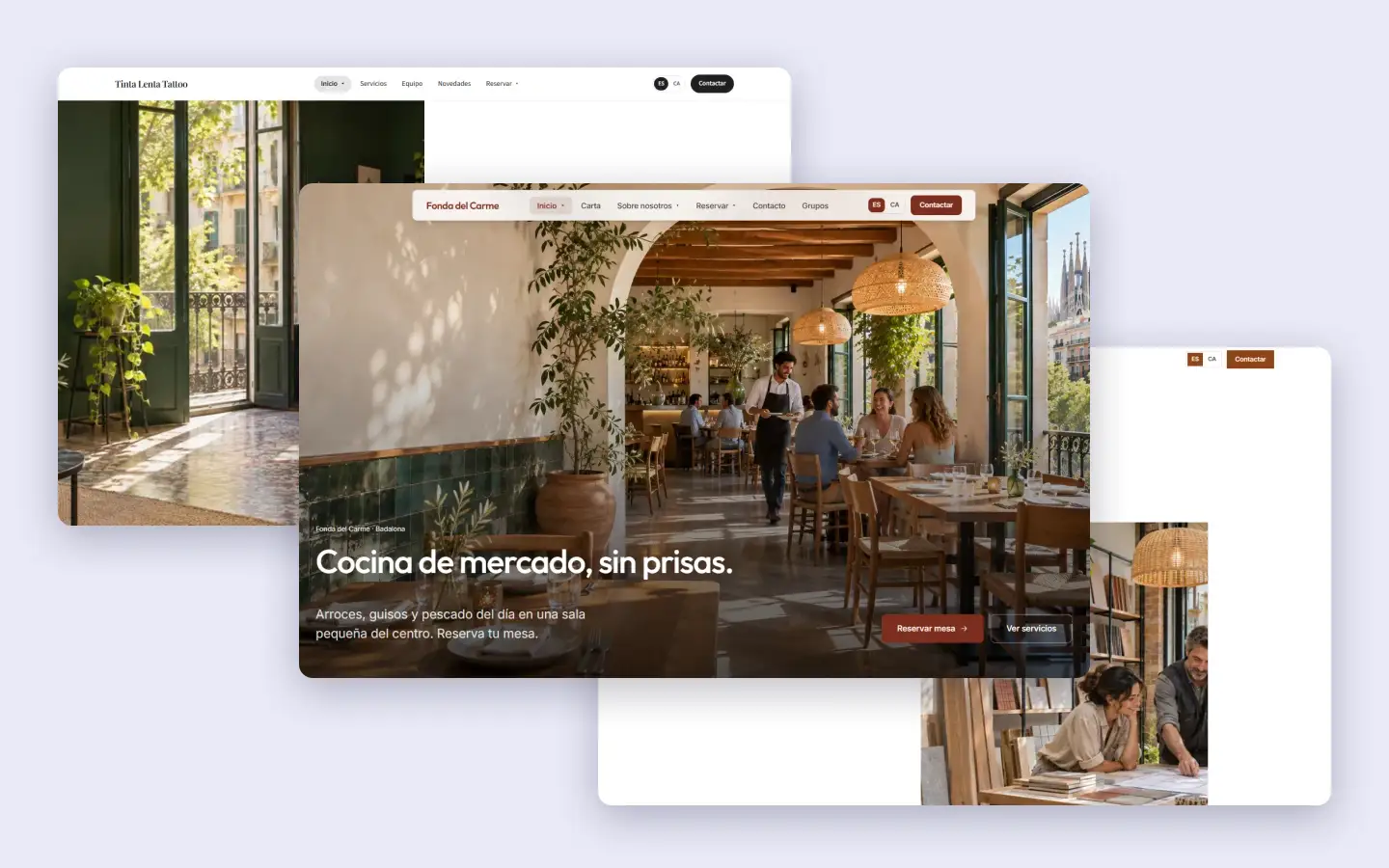
If you are looking for a website with online booking for your business, what you want is for customers to pick a service, day and time without phoning you, and for you to see those appointments in a diary. Axon puts the two together: the website and the calendar are the same product. This guide explains what it includes, which languages it comes in and how it gets published.
What is included
An Axon website is built from sections that you place and edit from the panel:
- Booking calendar. The customer picks a service, a team member if there are several, a day and a time, and sees only what is really free.
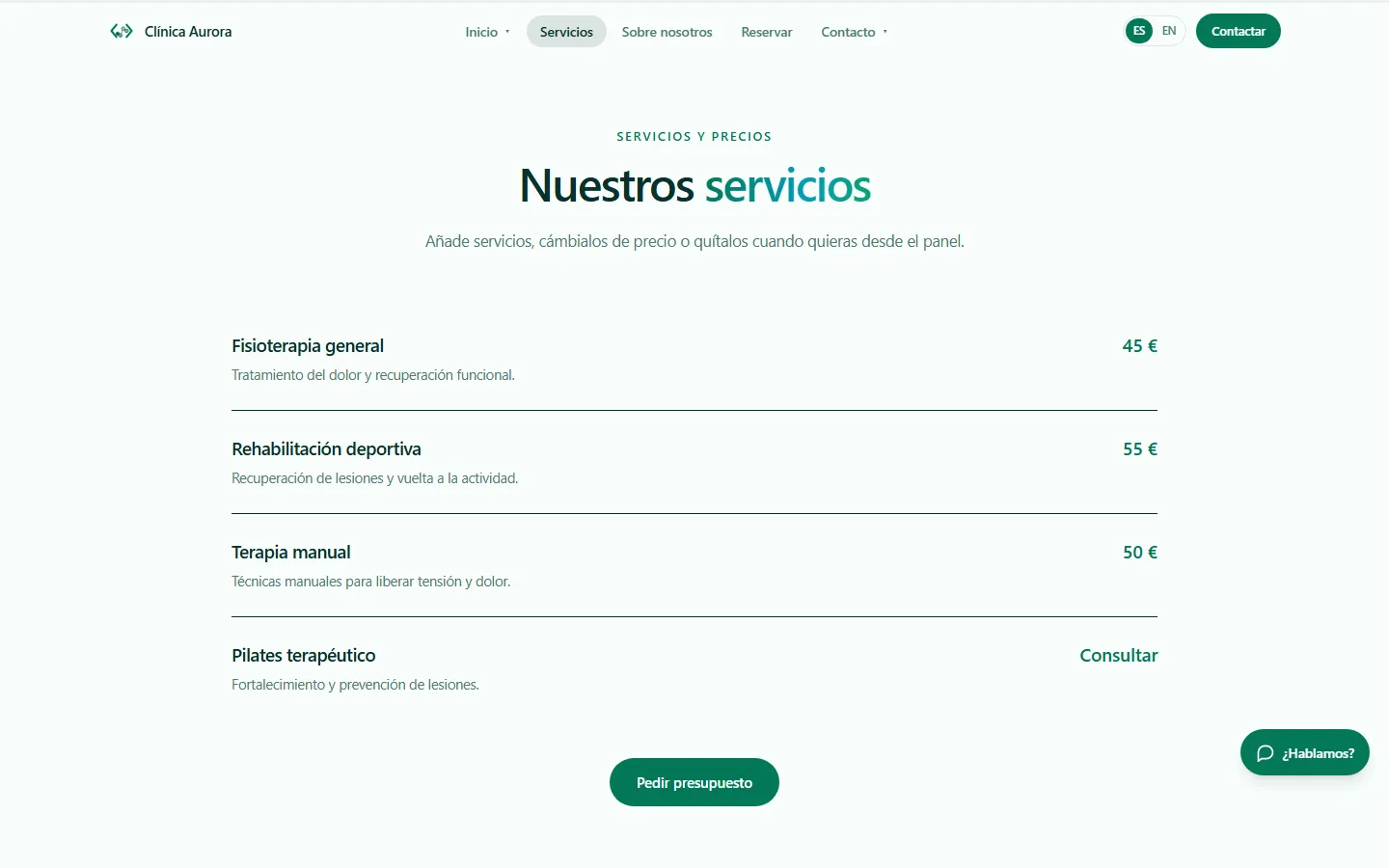
- Services. A list with length and price, taken from what you have under Business → Services.
- Business content. Home page, about us, opening hours, where you are, contact and social links.
- Chat with an assistant. A chat on the website that answers with your business's details and can book.
- Blog, forms and the legal pages.
What the customer books shows up in your diary instantly, with nothing to copy across.

How booking works
The customer picks a time on the calendar. The time is held for a few minutes while they fill in their details, so nobody takes it from under them. Two appointments never overlap in the same place: the check is done on the server, at the moment of saving. You decide whether the appointment is confirmed at once or the website sends a request that you accept.
The customer then has their own appointment page, from where they can add it to their calendar, change it or cancel it under your rules. If you switch it on, they get a reminder. And if a service has a deposit, they pay with your business's Stripe account.
Languages
The website can be in Spanish, English and Catalan, with one main language and the others added. The design is the same for every language, and texts are translated per language. Adding or translating a language with AI uses the AI included in your plan, and you review the result before publishing it. Each language has its own address, and the appointment stays in the language the customer booked in.
SEO: what comes done
Every page has its own title and description for search engines, appears in the sitemap with its languages, and the text is drawn by the server, so search engines read it without waiting for a script to load. Structured data is included only where it is true: if you have not written your postcode or service area, nothing is invented. And if you want to check the website point by point, there is an SEO audit with a score.

Nobody can promise you a position on Google. What Axon does is get the technical groundwork in order.
It starts unpublished until you review it
This matters: a new website starts unpublished for Google. It begins from a template for your sector, with sample text, and the sections you cannot yet stand behind, such as reviews, figures or team, start hidden. Creating the site does not call the AI or make up details about you.
You review the text, add your photos, your services and your opening hours, and only then publish. Until that point, Google does not see it. If you slip up, changes are kept in versions.
Your address
Until you publish it, you can see how it looks with a preview and try the calendar as a customer would. That way you check that the services, hours and text say what you want before anyone else sees them.
The website goes out on an Axon address, and you can connect your own domain. For the website to publish without the Axon credit you need that own domain.
What kind of business
There are templates by sector: "Hair salon and barbershop", beauty, physiotherapy, gyms, home renovation, restaurants and more. Each comes with its own services and starting text. A clinic can use Axon as its website and booking; the clinical side is Atlas, which is a separate product.
Getting started
Pick your sector, review the template, write your services and opening hours and publish when you are happy. See the plans under Pricing or ask for a demo and we will show you your website with your own services in place.