Appointment reminders by WhatsApp, SMS and email
How appointment reminders work in Axon: when they go out, who gets them, in which language and what happens with opt-outs. WhatsApp, SMS or email.
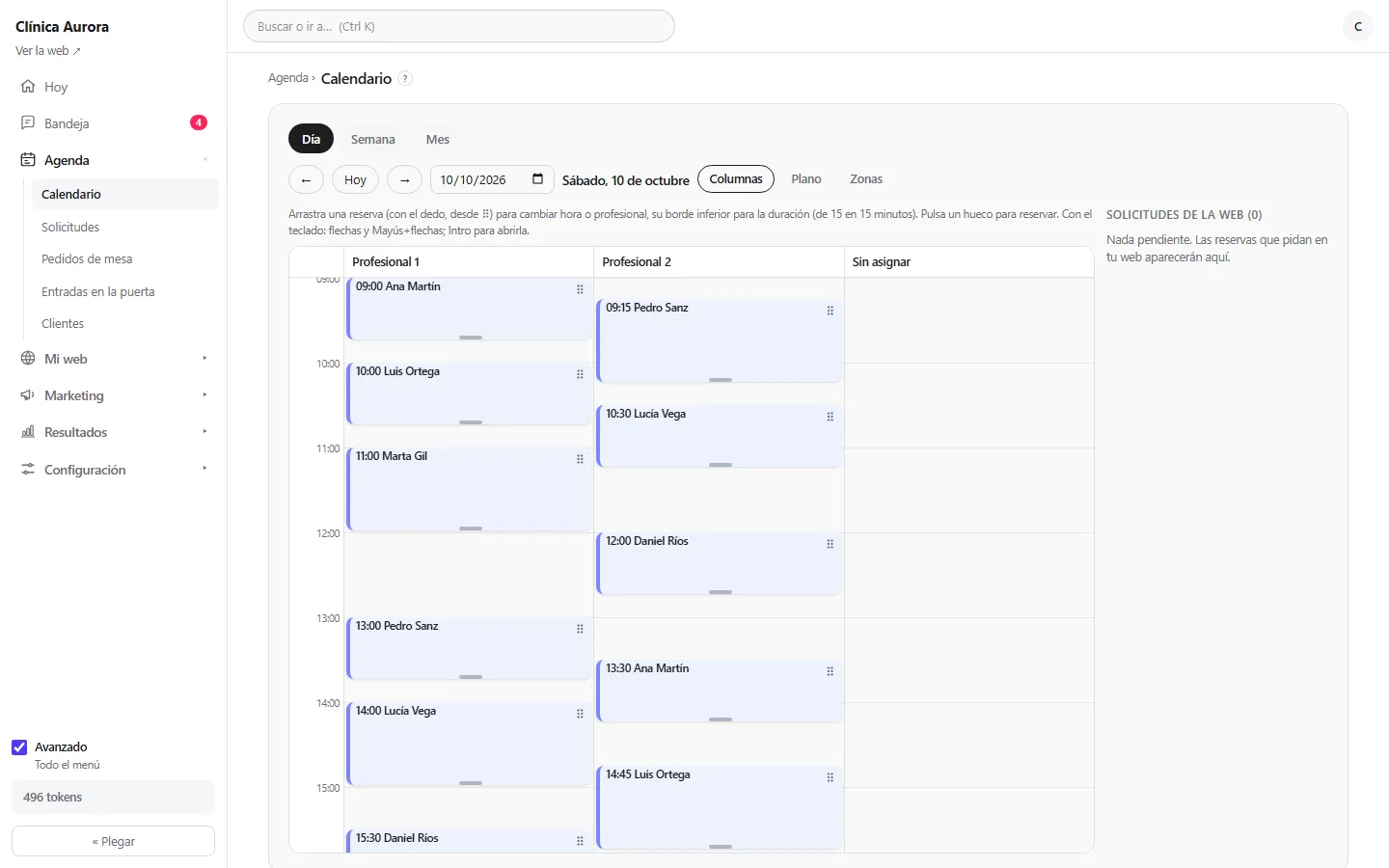
A customer who forgets an appointment leaves an empty hour in your day. Appointment reminders by WhatsApp, SMS and email are the most direct way to prevent that, and in Axon they are built into the calendar: there is no other tool to connect and no messages to write one by one.
This guide explains what each channel does, when the reminder goes out and what the business decides.
When the reminder goes out
Each confirmed appointment can have up to two reminders. You choose how far ahead each one goes, up to a week before. By default there is one reminder, a day before. If you want a second one, say a few hours before the appointment, you add it with "Add another reminder". Two reminders at the same time count as one.
The system checks appointments every minute and sends each reminder once. An appointment made within the reminder's lead time gets it straight away.
Reminders are set up in Agenda → Reminders and no-shows.
Email, SMS and WhatsApp: what differs
- Email. It carries the date, the time and the link to the appointment page, where the customer can check it, add it to their calendar and manage it within the change and cancellation rules you have set. It goes out from the business's own mailbox, the one you set up in the panel.
- SMS. You switch it on on the same screen. It goes to anyone with a phone number on their record. Each SMS counts towards the messages your plan includes. With no balance, nothing is sent.
- WhatsApp. If you switch it on, the reminder goes out by WhatsApp before SMS, but only to people who have agreed to receive WhatsApp messages. WhatsApp requires a template approved by Meta to write first, and Axon includes the reminder template in Spanish, English and Catalan. If the message does not go out, the reminder goes by SMS. Each message counts towards the sends your plan includes, and Meta bills the business separately through its own account.
At most four WhatsApp messages a day go to the same number.
Who gets it and in which language
The reminder reaches the person on the appointment, in the language they booked in. If someone booked the website in Catalan, they get the reminder in Catalan, even if the site's main language is another one. Customers can also change the language from their appointment page.
Only confirmed appointments get a reminder. Those half-made, such as the 10-minute hold while a visitor chooses a time, generate nothing.

Opting out: what if the customer wants no more messages
A reminder is a notice about a service the customer asked for. Marketing is a different matter. Follow-ups and campaigns (asking for a review, "time for your next visit", birthdays) only go to people who agreed to receive them, and every message has its own unsubscribe link.
On WhatsApp, the follow-up templates carry "reply BAJA"; if the person writes BAJA, they stop receiving in any case. On SMS, STOP or BAJA unsubscribes the person from offers.
The marketing tick box on the website never grants permission on its own: the customer gets an email to confirm it.
Which channel suits when
There is no single answer. Email is free and works for almost everyone. SMS arrives even if the customer does not check their mail, but it counts towards the messages in your plan. WhatsApp is the channel many customers open first, but it needs the business's WhatsApp account connected and the customer's agreement. It is common to start with email and add SMS or WhatsApp for the services where a no-show costs most.
If a customer misses several times, their record warns you once they reach the number of no-shows you set, and you can decide that their website bookings are held as a request for you to confirm.
How to switch it on
Go to Agenda → Reminders and no-shows, choose the lead time, tick the channels you want and save. If you do not have a website with bookings yet, Axon gives you one with the calendar already in place and the reminders ready to switch on. See the plans under Pricing or ask for a demo to see it with your own services.