Appointment software for hair salons: how Axon works
How Axon works in a hair salon or barbershop: services with duration, booking per stylist, reminders, waiting list, reviews and an assistant.

If you are looking for appointment software for hair salons, what you need is for nobody to have to call while you have the scissors in your hand. Axon gives you your shop's website, the online booking calendar and an assistant that answers the usual questions. This guide explains how it works, from booking to haircut.
Services with duration
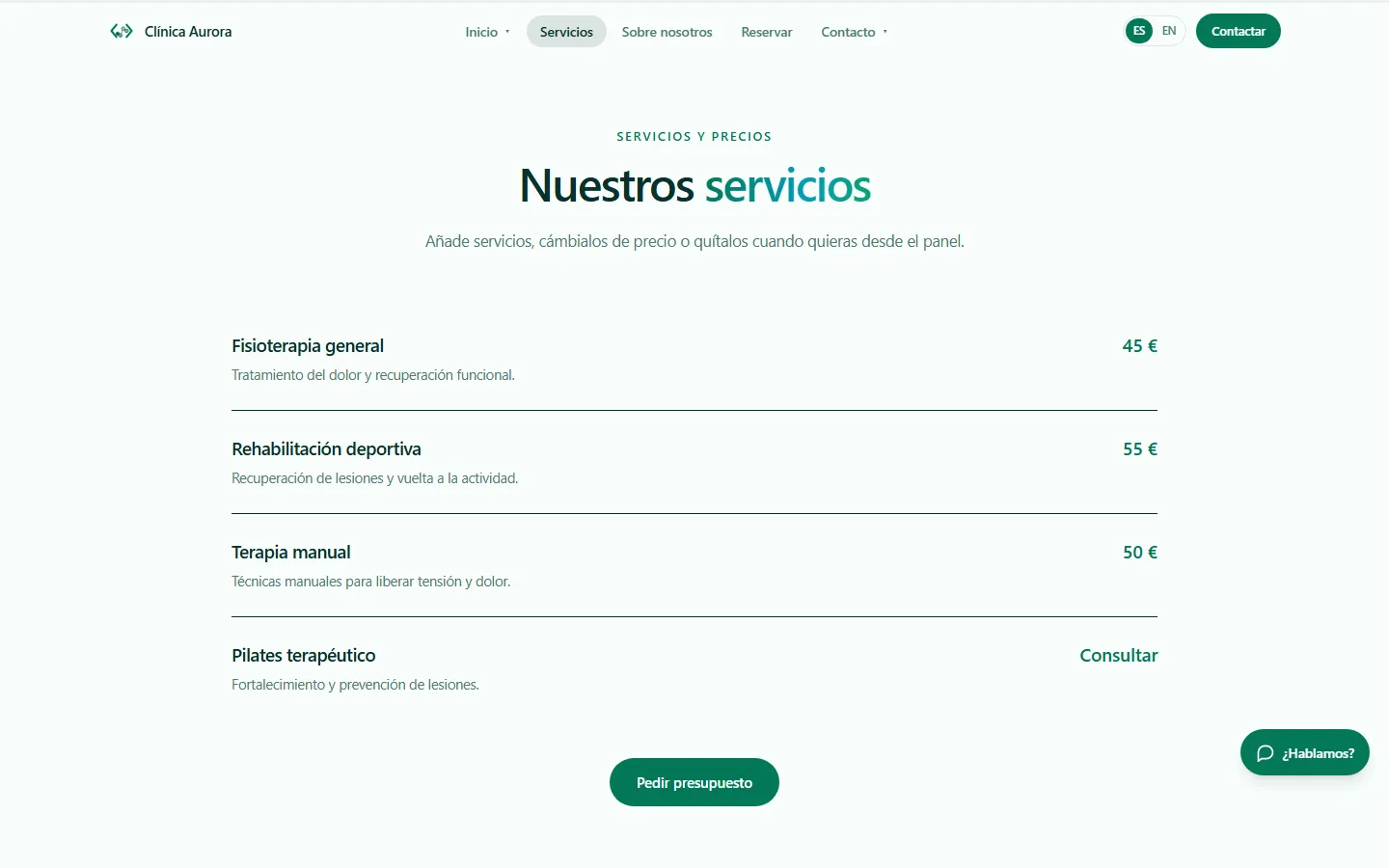
Each service (cut, colour, highlights, beard, styling) is written once in the panel, with its duration, its price if you want to show it and who does it. The website draws them with your gallery of work, and the calendar works with the duration: if a colour takes two hours, the slot is two hours.
If someone wants a cut and a beard trim, they can combine up to five services in one appointment, and the calendar looks for a slot that fits them all. A team member never has two appointments at once, even if two clients book in the same second.
How a client books
They choose the service, choose a stylist (or «anyone»), see the days with free slots and pick a time. They leave a name, email and phone number, accept the privacy information and get a confirmation. The appointment has its own page, where they can move or cancel it within the notice you set, and the slot is free for someone else.
You see the day per stylist, in columns. Each person's holidays and absences block their hours on the website and in the assistant, and public holidays are marked once.
Reminders, waiting list and no-shows
The reminder goes out one day before by default by email, you can add another and, with SMS switched on, also by SMS. With Axon Bot, on WhatsApp with a template approved by Meta, to people who agreed to it.
When a day fills up, the website offers «Tell me if a slot frees up». If someone cancels, the people on the list get an email with that day's calendar and whoever arrives first books it. In the panel you see the list and can book them a slot yourself.
For people who do not turn up, you mark «No show» and the client record counts them. You can choose what the website does with people who have several: nothing, leave their booking as a request, or not accept it online. If you prefer, you ask for a deposit when booking, charged in your own Stripe account.
Passes and products
Passes are sessions of a service: each attended appointment uses one, once only. You can note them on the client record and sell them from your website with the shop and your Stripe account. The shop also works for selling products (shampoos, waxes, treatments).
Getting them back
After an attended appointment, Axon can ask for a review with your shop's Google link, at most once every 180 days per client. You can also switch on the «time to come back» notice, with each service's interval, the one for people who have not been for a while and the birthday greeting. Each follow-up is switched off, left as a task for your team or sent automatically, and only to people who agreed to receive messages. Every message carries its unsubscribe link.
The assistant
The assistant looks after your website chat and, with Axon Bot, your WhatsApp. It answers with your data on hours, prices and address, says it is an AI and invents nothing. If it proposes an appointment, it is only booked once the client presses Confirm. If it does not know something, it alerts your team in the inbox.
A website that shows your work
In a hair salon, people choose by looking. Your website can carry the gallery of work, the team presentation, the services and the blog's news. It is in Spanish, English and Catalan, and each language has its own address.
Common questions
- Can I block hours for myself? Yes, with absences or with whatever you have in Google Calendar or Outlook.
- Can each stylist have their own hours? Yes, each person has their own schedule.
- What if a client does not want to book online? You can enter it yourself in the panel, which has none of the website's limits.
Cookies and privacy
The cookie notice gives equal weight to accept all, reject all and configure, and forms carry the basic information and the acceptance box. None of this replaces your adviser.
A team with different hours
In a hair salon, hardly ever does everyone work the same days. Each team member has their own hours, holidays and absences, and the website only offers the times when that person is in. If someone wants a specific stylist, they choose them; if they do not mind, the calendar finds the first free slot with anyone.
How to start
You choose the "Hair salon and barbershop" sector, the website is born with sample services and you change them from the panel. Request a demo and we will show you your shop, and see the plans under Pricing.