Avoid no-shows in beauty treatments with a booking deposit
How to avoid no-shows for long beauty treatments with a deposit at booking: payment into your own Stripe account, refunds and what the business decides.

A long treatment takes up a treatment room and a professional for hours. If the client does not turn up, that slot is not sold again. To avoid no-shows in a beauty centre, one of the most common measures is to ask for a deposit when booking, and Axon offers it as an option on each service.
Here is how it works, what it charges and to whom, and what you still decide.
A deposit per service, not per centre
The deposit is optional and set service by service. A quick peel can ask for nothing while a two-hour treatment asks for a deposit. For each service you choose between a fixed amount or a percentage of the final price, from 1 to 100 per cent. If you set a percentage, it wins over the amount.
The server works out the deposit, not the browser. It does it once per request, with the price of that time, and freezes it with the booking. If the price changes while the client is deciding, the website tells her and she has to confirm again. One practical detail: a deposit below 50 cents, Stripe's minimum, is set to zero and the booking goes through without a charge, instead of launching a payment that would fail.
The money goes to your Stripe account
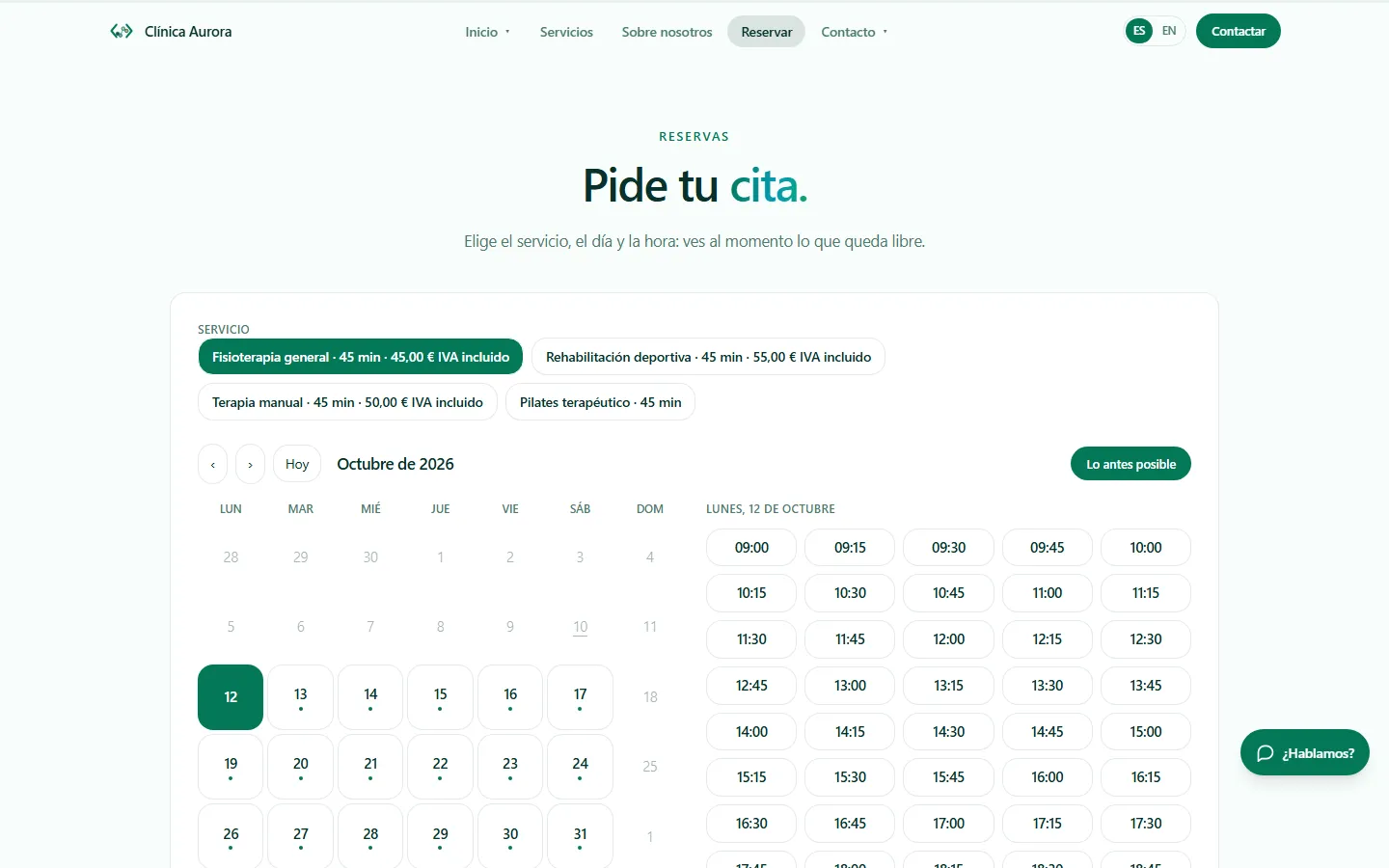
To take payment you need to connect your business's Stripe account, under Business → Payments. The payment is made on Stripe's payment page, into your account, not the platform's, and Axon does not handle the money. With no account connected, nothing is charged: the service is booked like any other.
When a website confirms the booking at once, the booking waits for payment and the client has 30 minutes to pay. If she does not pay in time, the slot is released by itself. If the payment arrives after the slot had already been released, it is refunded. That way nobody pays for an hour she no longer has.
If you would rather confirm yourself
If you prefer to review each request before accepting it, that booking arrives as a request. When you accept it from the panel, the client receives a payment link by email that lasts 24 hours, with the deposit worked out on the price frozen when she asked.
Refunds: you set the rule
Each service says when the deposit is refunded: if the client cancels in time, always or never. If you cancel the appointment yourself, the deposit is always refunded. It helps if the cancellation terms are written where the client sees them before paying, for example in the service text or in your FAQ.
The client can change or cancel from her appointment page, within the limits you set. If she does so in time, the slot is free again for someone else to take.
Cutting no-shows with other measures
A deposit is not the only tool, and sometimes it is not needed. These pieces combine with it:
- Reminders by email, SMS or WhatsApp, so nobody forgets.
- The waiting list, which covers the slot when someone cancels.
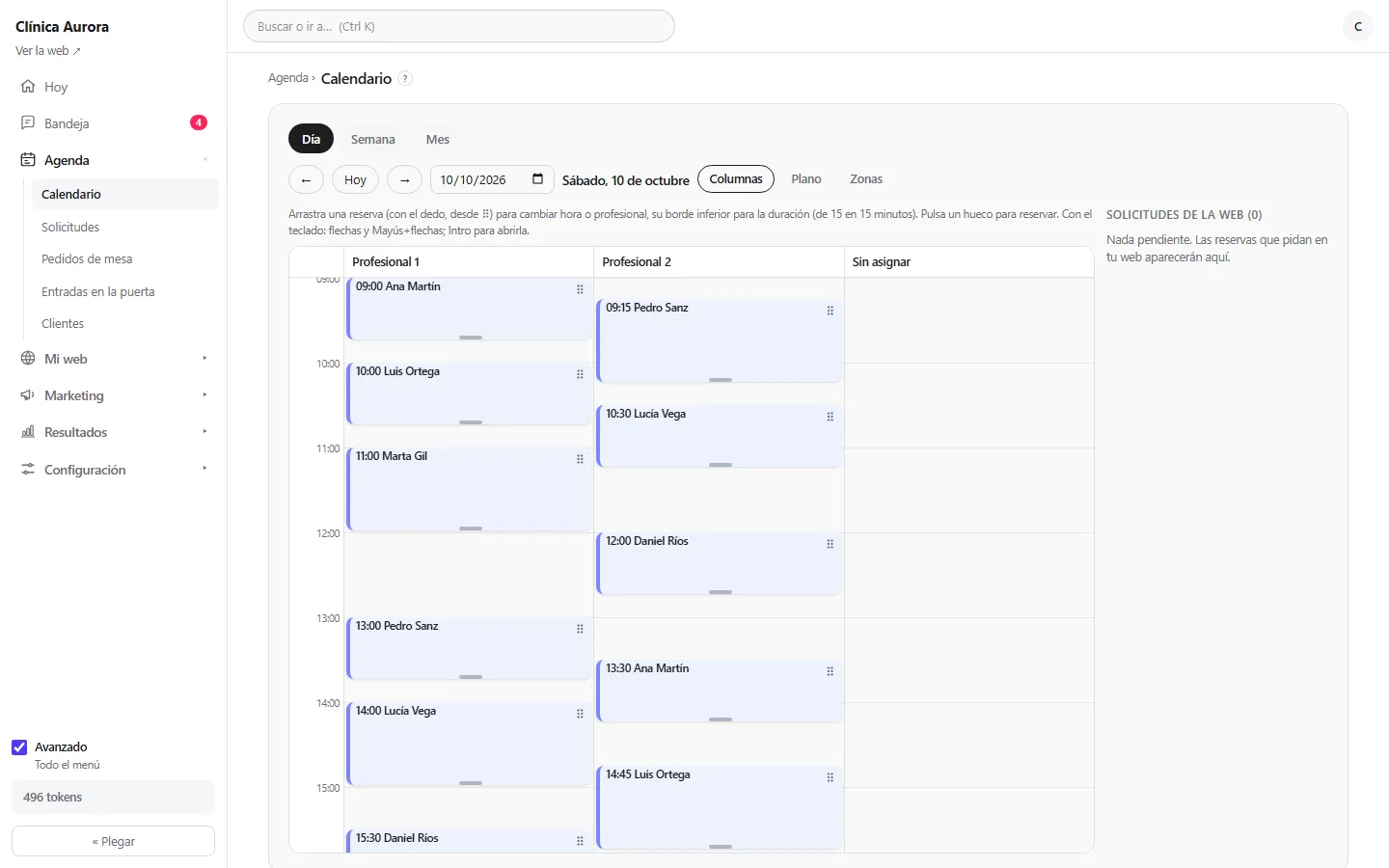
- The no-show count on each record, with a warning when it reaches the number you set.
- A rule for people who pile up no-shows: nothing, leave their booking as a request you confirm, or not accept it on the website.
When a deposit is worth asking for
There is no single rule, but there are useful questions. How much does an empty hour of treatment room cost? How many of your no-shows come from long treatments or first visits? Are your clients used to paying when they book? That decision belongs to each business, and Axon does not promise that no-shows will disappear.
It also helps to say it on the website itself: how much the deposit is and when it is refunded. Someone who sees that before booking complains less afterwards.
Test it as if you were a client: book, pay a small deposit, cancel inside and outside the deadline and check what she sees and receives in each case.
Getting started
In short, the steps are to connect Stripe, choose which services take a deposit and how much, decide the refund and try a booking yourself. If you want to see it with your treatments, book an Axon demo. Plans are under Pricing.