Booking software for veterinary clinics: Axon
How Axon works in a vet clinic: website with services, online appointments, check-up reminders, a waiting list and an assistant with no clinical advice.
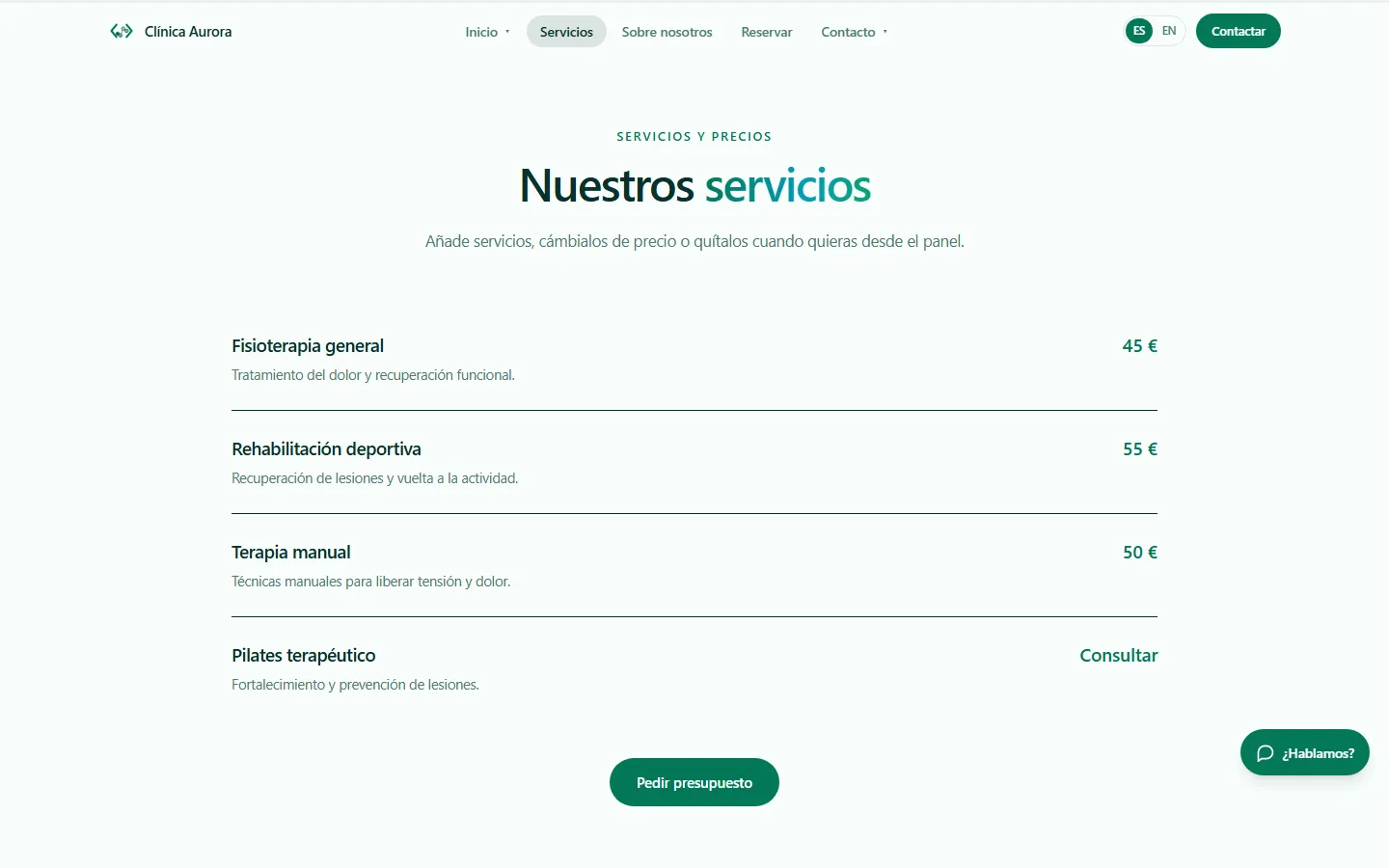
Booking software for veterinary clinics has to cope with a day of consultations, vaccinations, grooming and emergencies without the phone being the bottleneck. Axon gives you your clinic's website, the online appointment calendar and an assistant that handles the usual questions. This guide explains how it works, from booking to the next check-up.
Services with duration and professional
Consultation, vaccine, check-up, grooming, ultrasound, whatever you offer: each service is written once in the panel, with its duration, description and who does it. The website draws them, and the calendar works with that duration and with each professional's hours.
If a visit needs two services (a consultation and a vaccine, say), they can be combined in one appointment of up to five services. A team member never has two appointments at once.
How a client books
They choose a service, see the days with free slots and pick a time. They leave a name, email and phone number, and answer the questions you added to the booking, for example the animal's name and species. They accept the privacy information and get a confirmation. The appointment has its own page, where they can move or cancel it within the notice you set.
To keep the calendar realistic, you can leave «Se reserva online» unticked for those you prefer to handle by phone: the website shows them, but they do not book themselves.
Reminders and check-ups
The reminder goes out one day before by default by email, and you can add a second one. With SMS switched on, also by SMS, and with Axon Bot on WhatsApp with a template approved by Meta, only to people who agreed to it.
What a vet clinic lives on is the return visit: the annual vaccine, the check-up, the worming. With «time to come back», each service has its interval and, when it passes with no other appointment, Axon notifies people who have messages switched on: you leave it as a task for your team or it is sent automatically. Every message carries its unsubscribe link.
Waiting list and no-shows
If a day fills up, the website offers «Tell me if a slot frees up»; if someone cancels, the people on the list get an email with that day's calendar, and whoever arrives first books it. When someone does not come, you mark «No show» and the client record counts them. You can choose what the website does with people who have several: nothing, leave their booking as a request, or not accept it online. If you prefer, you ask for a deposit when booking, charged in your own Stripe account.
The assistant and emergencies
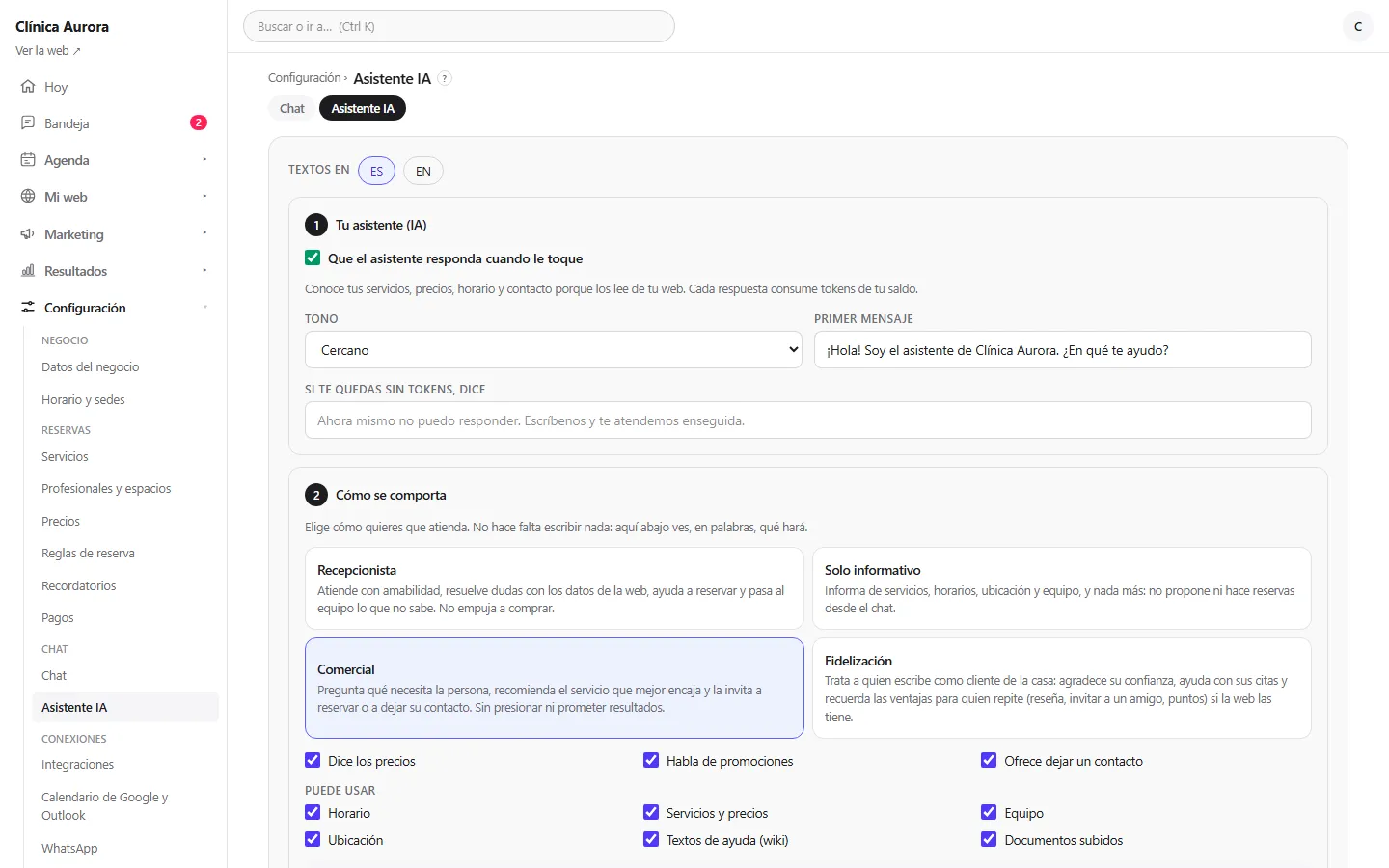
The assistant looks after your website chat and, with Axon Bot, your WhatsApp. It answers with the data you have published: hours, services, address, how to get there. It says it is an AI and does not invent prices or hours.
It gives no veterinary advice: it does not diagnose or say what to do with a sick animal. When there are symptoms it says to contact the clinic's emergency service, and alerts your team in the inbox, who take over the conversation whenever they like. If it proposes an appointment, it is only booked once the client presses Confirm.
A website that builds trust
Your clinic's website can carry the team, services, frequently asked questions (emergency hours, what to bring to the first visit), the location and a blog with tips that you sign. It is in Spanish, English and Catalan, and each language has its own address. With the shop you can sell products (pet food, accessories), charging in your Stripe account.
Data and privacy
Forms carry the basic data protection information and the acceptance box, and the cookie notice gives equal weight to accept all, reject all and configure. Notes on the client record are stored encrypted, and Axon includes tools to export or delete a person's data. None of this replaces your adviser.
Common questions
- Can I offer emergencies? The website can show your phone number and emergency hours; emergencies are not booked online.
- Does it work with several vets? Yes, each with their own hours and calendar.
- What about several locations? Yes, each location with its address and hours.
Clients from abroad
If you serve people from other countries, the website and emails come in Spanish, English or Catalan, and you can add more languages with the help of AI.
Documents for the assistant
Upload to Axon a PDF with your rates, your rules or the most common questions from people bringing an animal for the first time, and it becomes available on the website and for the assistant to answer from its content. You decide what it can say: it answers only with the data from your website and your documents.
How to start
You choose the veterinary clinic sector, the website is born with sample services and you change them from the panel. Request a demo and we will show you your website, and see the plans under Pricing.