Design consultation and deposit for a tattoo studio
How to organise bookings for a tattoo studio: design consultation, reference photos, a deposit into your own Stripe account and control of no-shows.

In a tattoo studio, a session cancelled at the last minute means hours of the artist unpaid and a design already drawn. That is why most studios work in two steps: first a consultation, then the session, with a deposit that secures it. Tattoo studio bookings work best when each step has its place in the diary.
This is what Axon allows today and what remains the studio's decision.
First the design consultation
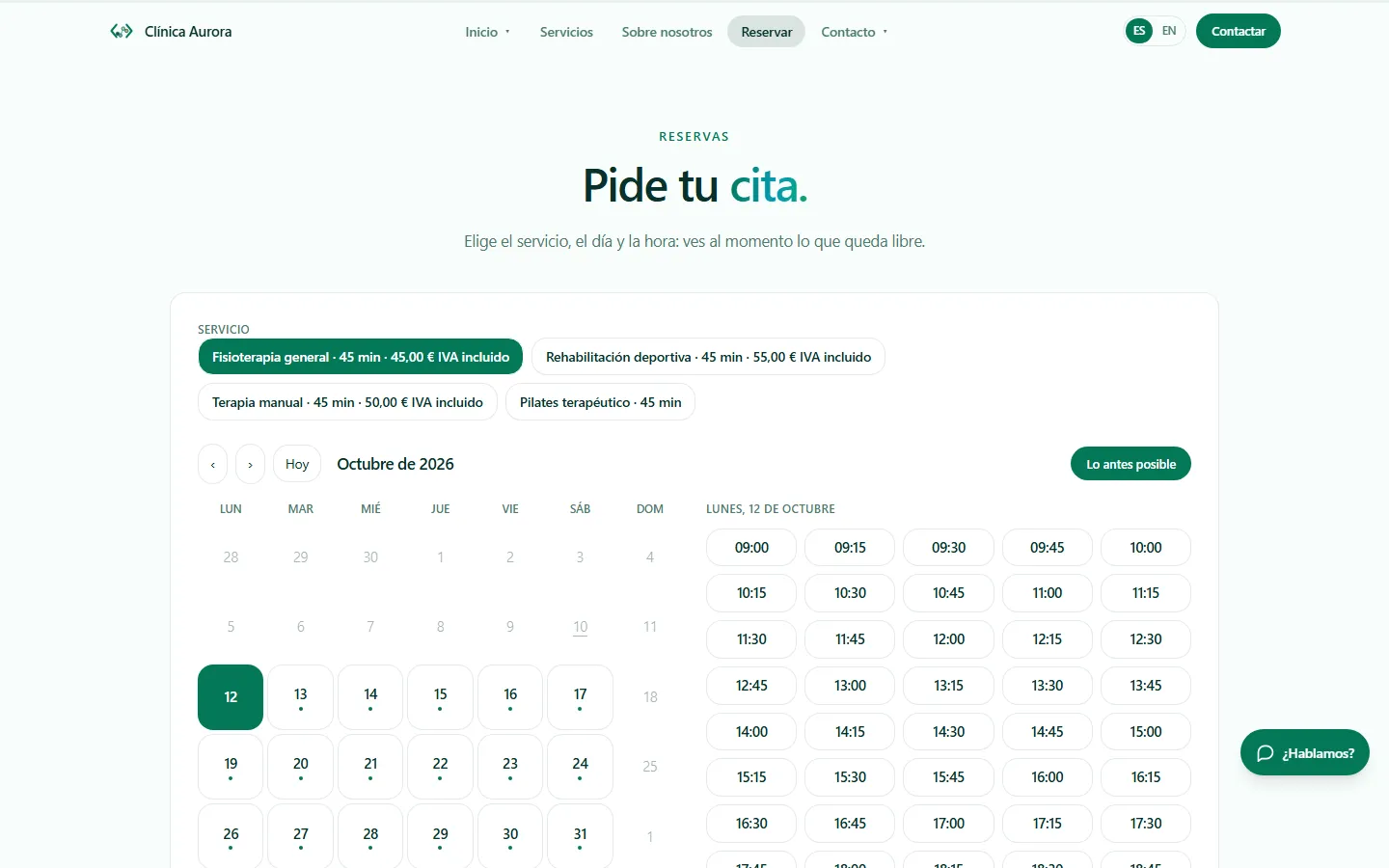
The usual setup is that the website only lets people book the design consultation and that sessions and touch-ups are fixed there, in person, with the artist. In Axon this is a settings decision: each service decides whether it can be booked on the website or only the team books it from the panel. With the consultation bookable and the sessions not, the website fits the way you work.
The consultation is a service like any other: it has its length, its professional and its hours, and the diary never gives two appointments at once to the same artist.
What you want to know before the consultation
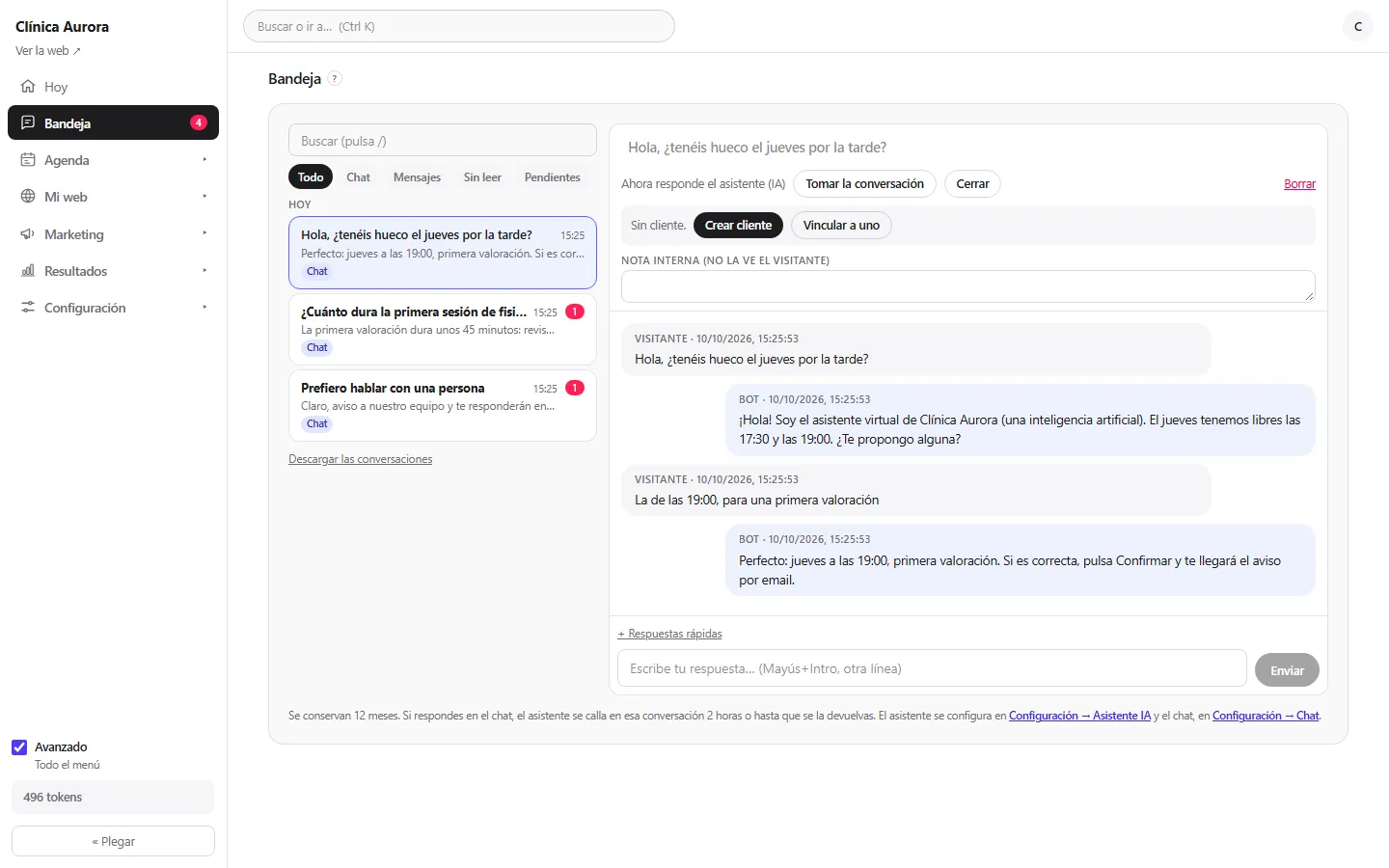
Before the person arrives, it helps to know what idea they bring. Axon lets you ask up to eight questions of your own on the contact form, and also questions per service. The answers, written or chosen from a list, arrive with the request: area of the body, approximate size, style, whether it is a cover-up.
The step-by-step form separates what they need (first what they want), their questions, the photos and the message, and who they are. Whoever writes can attach up to three reference photos, 4 MB at most each, in JPG, PNG or WebP. The photos are stored privately and you see them in the Inbox, together with the status of the request: new, answered or closed.
An important note: these questions are not for health data. Do not ask about illnesses, allergies or medication here; Axon is not designed to handle them.
Showing your work
A client chooses by the artist's hand. The Works section of the website shows a portfolio with filters by style and by who did it, and a catalogue of available designs with their size, their indicative price and a "Reserved" mark once one has been taken. Each piece has its own page and a "Ask for something similar" button, which opens the form with the message started.
The deposit, so the appointment is serious
The deposit is optional and set per service, as a fixed amount or a percentage of the price. It is paid into your studio's Stripe account, not the platform's. A service that asks for no deposit is booked without paying.
There are two routes. If the website confirms at once, the booking waits for payment and the person has 30 minutes to pay; if they do not, the slot is released. If you would rather review each request, the booking arrives as a request and, when you accept it, the person receives a payment link by email that lasts 24 hours.
The service says when the deposit is refunded: if they cancel in time, always or never. If you cancel the appointment, it is always refunded. Say it clearly on the website, before they pay.
You can ask for the deposit on the consultation, or on another service that is booked on the website. Sessions that are not booked online are created by the team from the panel, with "New appointment".
No-shows and reminders
Each appointment carries its reminder by email, SMS or WhatsApp. Each client's record counts their no-shows and the website can act on those who pile them up: leave their booking as a request you confirm, or not accept it. The client never sees the reason. And if someone cancels in good time, the waiting list tells whoever wanted that slot.
What you decide
What is booked on the website and what is not, which questions you ask, what deposit each service takes, when it is refunded and what you do about no-shows. Axon applies your rules with the clock and the server; it does not replace your judgement about who enters your diary.
Next step
If you want to see how your studio would look, with the consultation, the form with photos and the deposit, book an Axon demo. Plans are under Pricing.