Online booking for restaurants: how Axon works
How Axon organises a restaurant's online bookings: shifts, floor plan, joined tables, menu with allergens, orders, reminders and an AI assistant.

Online booking for restaurants has a difficulty other calendars do not: you do not book an hour, you book a table for a number of people during a shift. Axon is built for that. This guide explains how it works, from the moment the guest lands on your website until they sit down at the table.
Shifts, zones and tables
You start with the opening hours: the days and time ranges when you open, with their shifts (lunch, dinner, a brunch shift if you have one). Then you draw the floor plan in the panel: tables with their capacity, grouped into zones (dining room, terrace, bar). Every table on the plan is a real table, and it is the same one the QR codes use later.
The calendar checks, when saving the booking, that the table is free and the party fits. Two bookings cannot overlap on the same table.

Large parties, joined tables and a private room
When no free table can take a party, the engine can join free tables that sit next to each other in the same zone. You can also join tables by hand, as long as they are adjacent on the plan.
If you have a private room, you can set a minimum party size: its tables are only offered to parties of that size or more, and they are offered first. If the room is taken, the party moves on to the regular tables.
How a guest books
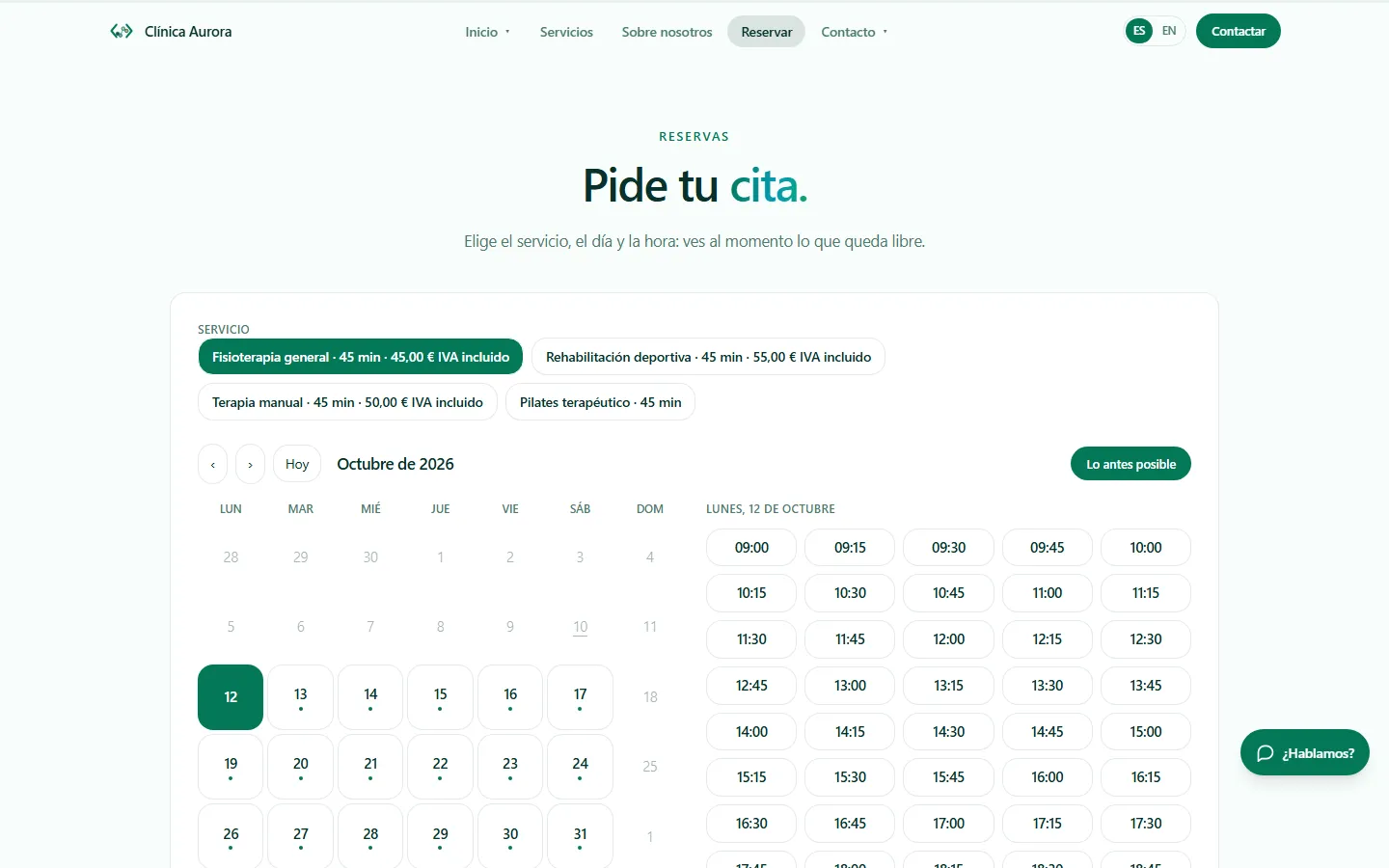
They choose the day, the party size and the shift. The website offers only the times when a table really is free. They leave a name, email and phone number, accept the privacy information and get a confirmation, with its own page to change or cancel the booking.
If a day is full, they can join the waiting list: when a booking is cancelled, the people on the list get an email with that day's calendar, and whoever arrives first books it.
Reminders and deposits
The reminder goes out one day before by default by email, and you can add another. With SMS switched on, also by SMS; with Axon Bot, on WhatsApp with a template approved by Meta, only to people who agreed to it. For large parties or busy days you can ask for a deposit when booking, charged in your own Stripe account, and you decide.
Marking «No show» leaves a record on the client file, and you can decide what the website does with people who have several: nothing, leave their booking as a request, or not accept it online.
Menu, allergens and orders
The menu is published on your website with its dishes, prices and allergens. When something runs out, you mark it sold out today and it can no longer be ordered. If you want, you take orders for collection or delivery, with online payment in your Stripe account or on collection.
Each table has its QR code: whoever sits down scans it, chooses from the menu and the order reaches the team. In menu-only mode, the QR shows the menu without letting people order.
The assistant
The assistant looks after your website chat and, with Axon Bot, your WhatsApp. It answers with your data: hours, menu, address, whether you have a terrace. It says it is an AI and invents nothing. To book, it looks at the free tables and proposes one; it is only booked once the guest presses Confirm. If it does not know something, it alerts your team in the inbox.
Common questions
- Can I close a day or a few hours? Yes: public holidays and special days have their own hours, and on a holiday only the shifts marked for holidays open.
- Can people book in another language? Yes: the website, the emails and the calendar come in Spanish, English and Catalan.
- Who sees the booking? Your team, straight away, in the panel, and Today gives you the whole service at a glance.
Large parties and company lunches
For a large party, the website asks for the party size before offering a time and only proposes the tables, joined tables or private room that can take it. That way a booking for twelve does not land on a shift where only eight fit together. If the party fits no shift, the person can write through the form or the chat and your team answers from the inbox.
What the team sees during service
During service, the panel shows the plan of all the zones at once, with tables taken and free. You see occupancy (tables used, covers against the limit and bookings with «no table»). A booking can occupy several joined tables, and both count as taken.
If you open only one shift on a given day, or close for holidays, you mark it in the hours and the website respects it: it does not offer what you do not open.
How to start
You choose the restaurant sector, the website is born with a menu and sample shifts, and you change them from the panel. Request a demo and we will show you your dining room, and see the plans under Pricing.