Session packs and bundles: how to sell and use them up
How to sell session packs online and deduct them with each attended appointment: covered services, number of sessions, expiry and refunds in Axon.
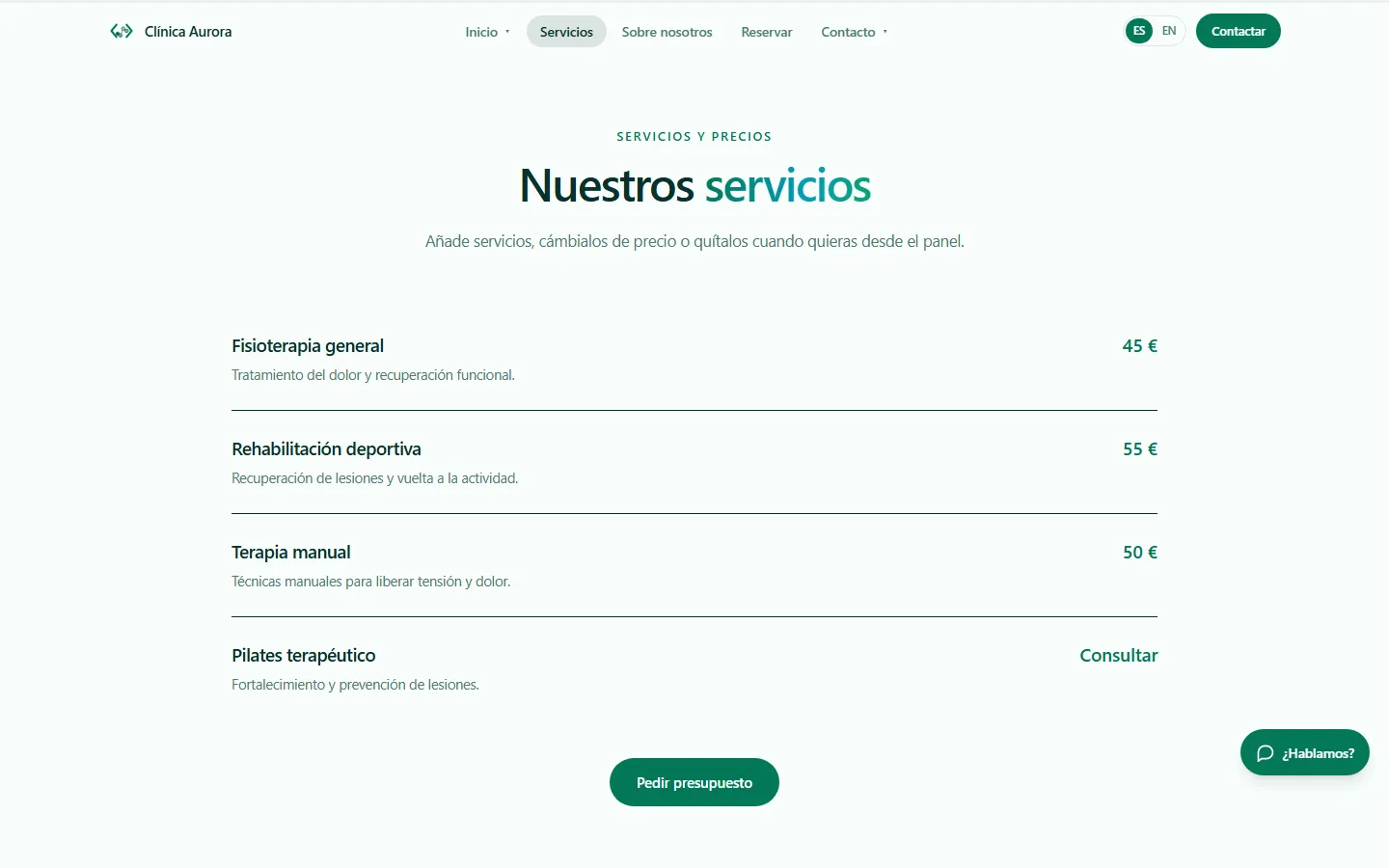
A session pack, whether five massages, ten classes or a bundle of treatments, has a clear advantage: the customer pays up front and comes back. The hard part is the admin of keeping track: who bought it, how many sessions are left and whether it expires. This guide explains how session packs work online in Axon, how they are deducted and what the business decides.
Two ways to have a pack
There are two routes and you can use both:
- You sell it on the website. The pack is a shop product with its own price, and the customer buys it through your business's Stripe account.
- You add it by hand. On the customer's record, under Packs, you create one of N sessions for a service. It suits packs you sell in person or take payment for however you like.
Either way the pack ends up in the same place, the customer's record, and is deducted in the same way.
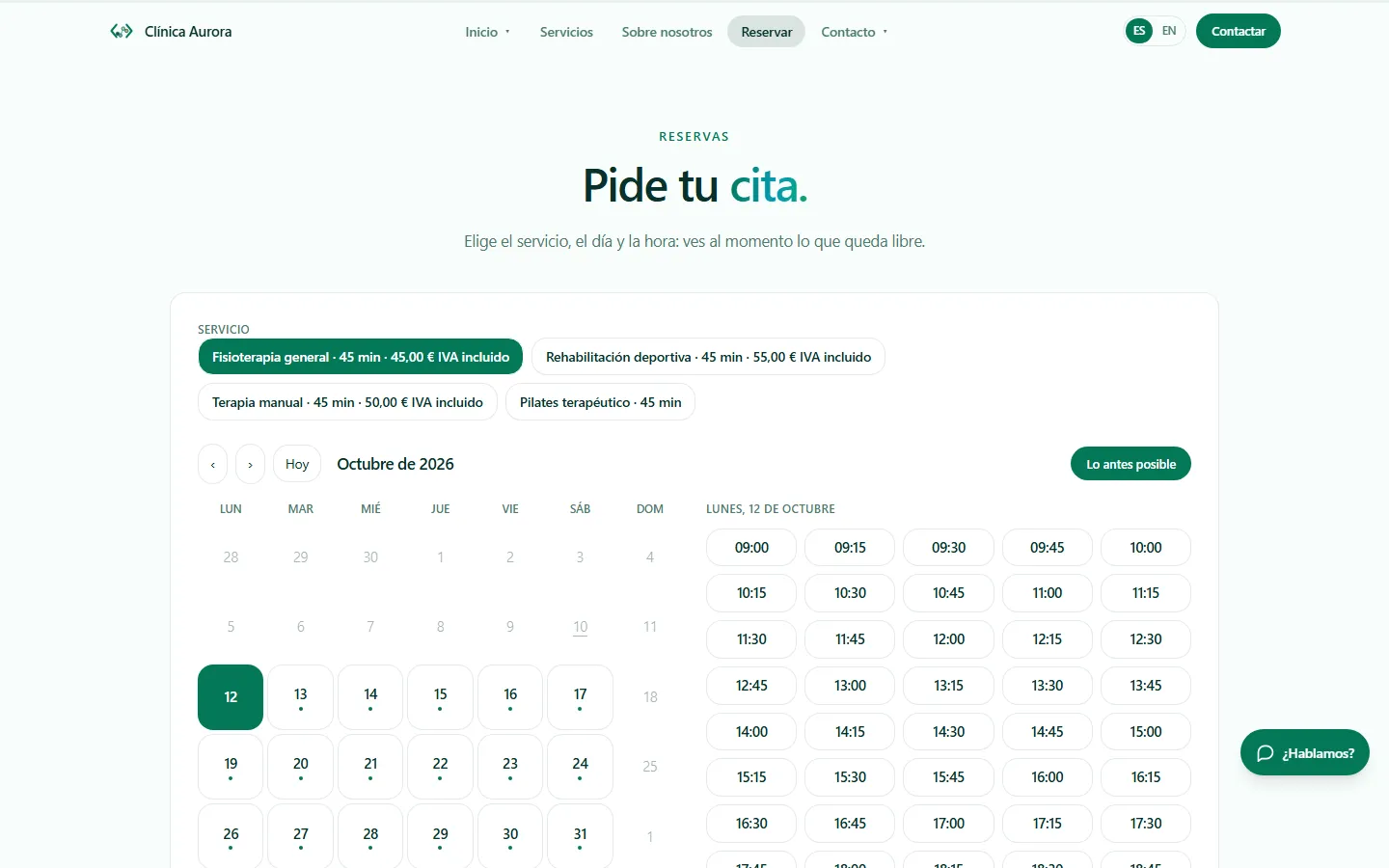
What you set when creating a shop pack
When the product is a pack, you set three things:
- Which services it covers. You can pick one or several. If you pick none, it works for any service.
- How many sessions it includes. From 1 to 500.
- How many days it is valid. Up to ten years, or zero if you want no limit.
Those terms are frozen with the order: if you change the product later, a pack a customer already bought keeps what you sold them.
The pack is granted to the customer only when Stripe confirms the payment with its signed notice, and only once per unit bought. If the payment is refunded or disputed, the pack is cancelled.
How it is deducted
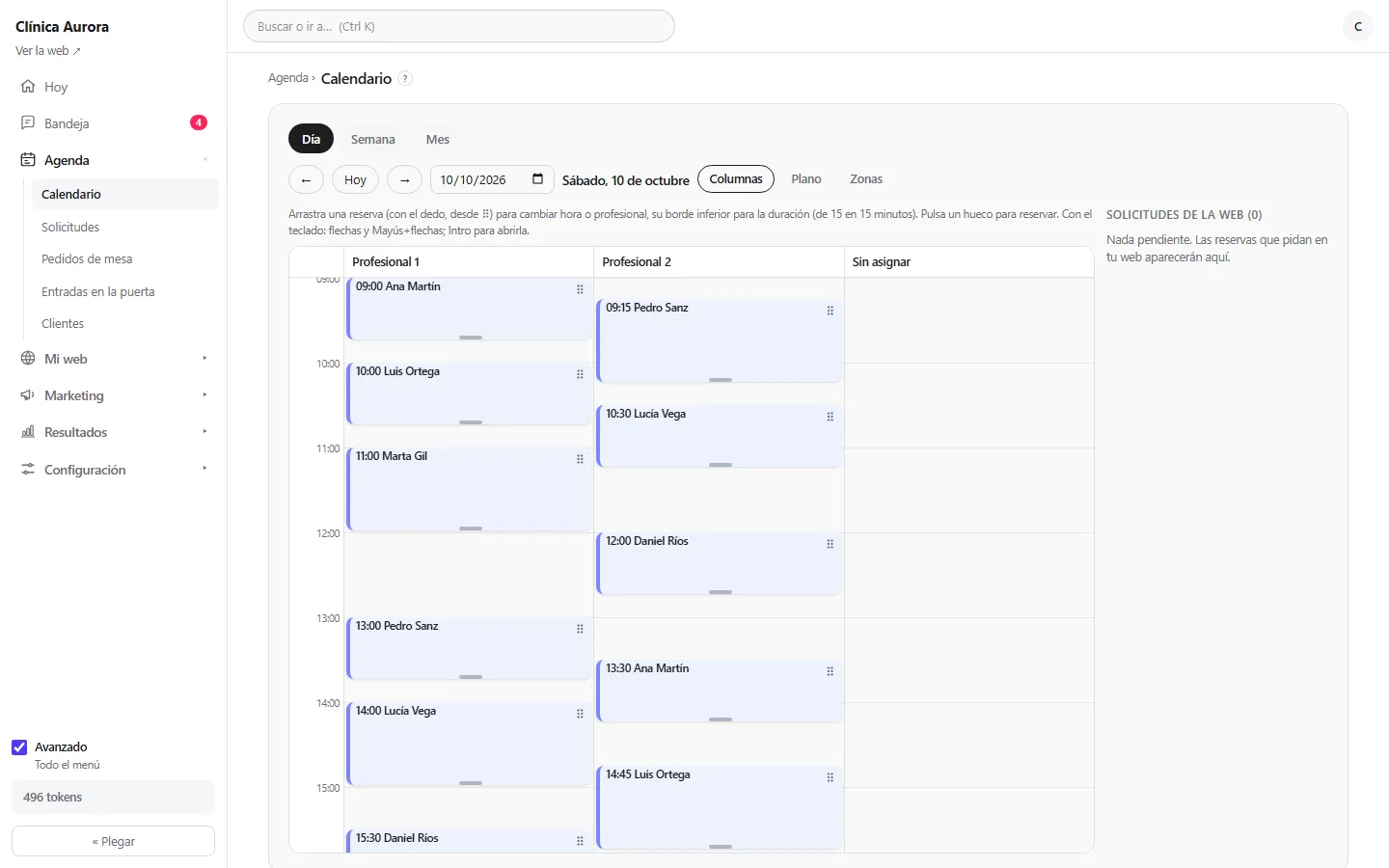
The customer books as usual, on the website, in the chat or by phone. When you mark the appointment as "Attended", one session of the pack is used. If the customer has several packs that cover that service, the oldest one with sessions left is used first.
Each appointment deducts only once. And it can be undone: if you later change the appointment from "Attended" to another status, or delete it, the session goes back to the pack. Removing a pack does not change appointments that already exist.
On the record you can see how many sessions the customer has left and, if the pack expires, until when.
Expiry
Expiry is a decision for the business. On a pack sold in the shop you set the number of days it is valid, or none. A deadline encourages the customer to use it and tells you when you can close the books on it, but it should be written clearly in the product description, because it is what the customer expects when they buy.
Memberships
If what you want is a recurring payment, Axon also has memberships on the customer's record, under Loyalty. The payment is entered in the Till and creates the pack for each period, which attended appointments use up, just like a normal pack. That said, you enter the payment yourself: Axon does not collect it for you.
When a pack makes sense
A pack suits services that repeat: physiotherapy sessions, massages, classes, treatments in courses. For a service a customer has once a year, it probably makes no sense.
Think about these questions before creating one:
- How many sessions is it reasonable for one person to use, and over how long?
- Which services does it cover exactly? If you leave it on "any", the customer can spend it on the most expensive one.
- What happens if the customer does not show up? No-shows are logged on the record, and you decide what to do about them.

A note on what you store
Axon does not handle health data. A pack stores who the customer is, the service, the number of sessions and the dates, nothing more. If your business is a clinic and you need clinical management, that is what Atlas does, and it is a separate product.
How VAT applies to a pack, and when it counts as income, is a tax question worth checking with your accountant.
Getting started
Create the pack as a shop product, or add it to a customer's record. Before selling anything online, connect your business's Stripe account. See the plans under Pricing, or ask for a demo and we will set it up with your own services.