Session packs for a beauty and aesthetics centre
How to sell session packs in a beauty centre with Axon: which services they cover, how each session is deducted and what happens on a cancellation.
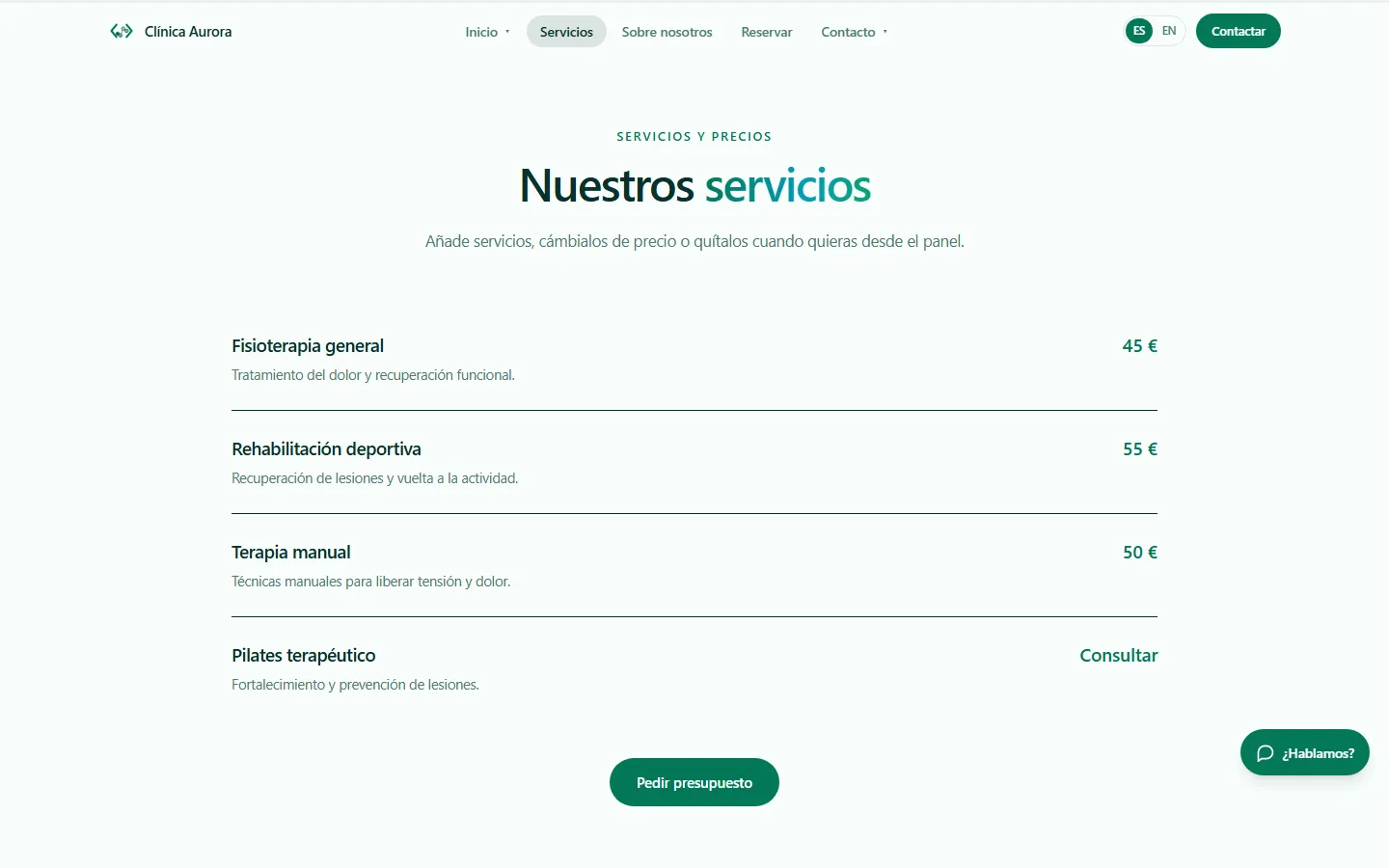
A beauty treatment is rarely done just once. Hair removal, facials, massages or machine sessions work in series, and session packs in a beauty centre help the client book several at once. For the centre, the challenge is keeping count: how many sessions were bought, how many have been used and when the pack runs out.
Axon keeps that count for you. This is what it does today and what you still decide.
What a pack is in Axon
A pack is N sessions of one or more services, assigned to a client. When you create one you decide how many sessions it has, which services it applies to (if you pick none, it works for any) and, if you want, how many days it is valid. Leave the days at zero and the pack does not expire.
There are two ways to create it. The first is by hand, from the client's record, under Packs: useful for a gift or for a pack sold in the shop. The second is to sell the pack in your website's shop, like any other product.

Selling packs on the website
If you switch on the shop and connect your Stripe account, a pack is a product of the pack type: you set its name, its price, the number of sessions and the services it covers. The buyer pays on Stripe's payment page, into your business's account. Axon creates the pack only when the signed payment confirmation arrives, and only once: if the notice arrives twice, it is not duplicated.
If you refund the purchase, the pack is cancelled. No loose pack is left from a refunded payment.
A useful detail: the shop does not sell a pack with no sessions, so you cannot publish a half-finished one by mistake.
How each session is deducted
The pack is not used up when booking but when the client is seen. When you mark an appointment as "Attended" and its service is covered by one of the client's packs, one session is deducted. These rules always hold:
- The oldest pack that still has sessions is used first.
- An appointment deducts a session once, even if you mark it several times.
- If you remove the "Attended" mark or delete the appointment, the session goes back to the pack.
- If two people on the team mark appointments at the same time, the last session is never taken twice.
- If you remove a pack, the appointments already made stay as they are.
On the record you see, for each pack, the total, how many are used and the last valid day, if it has one.
Appointments across several sessions
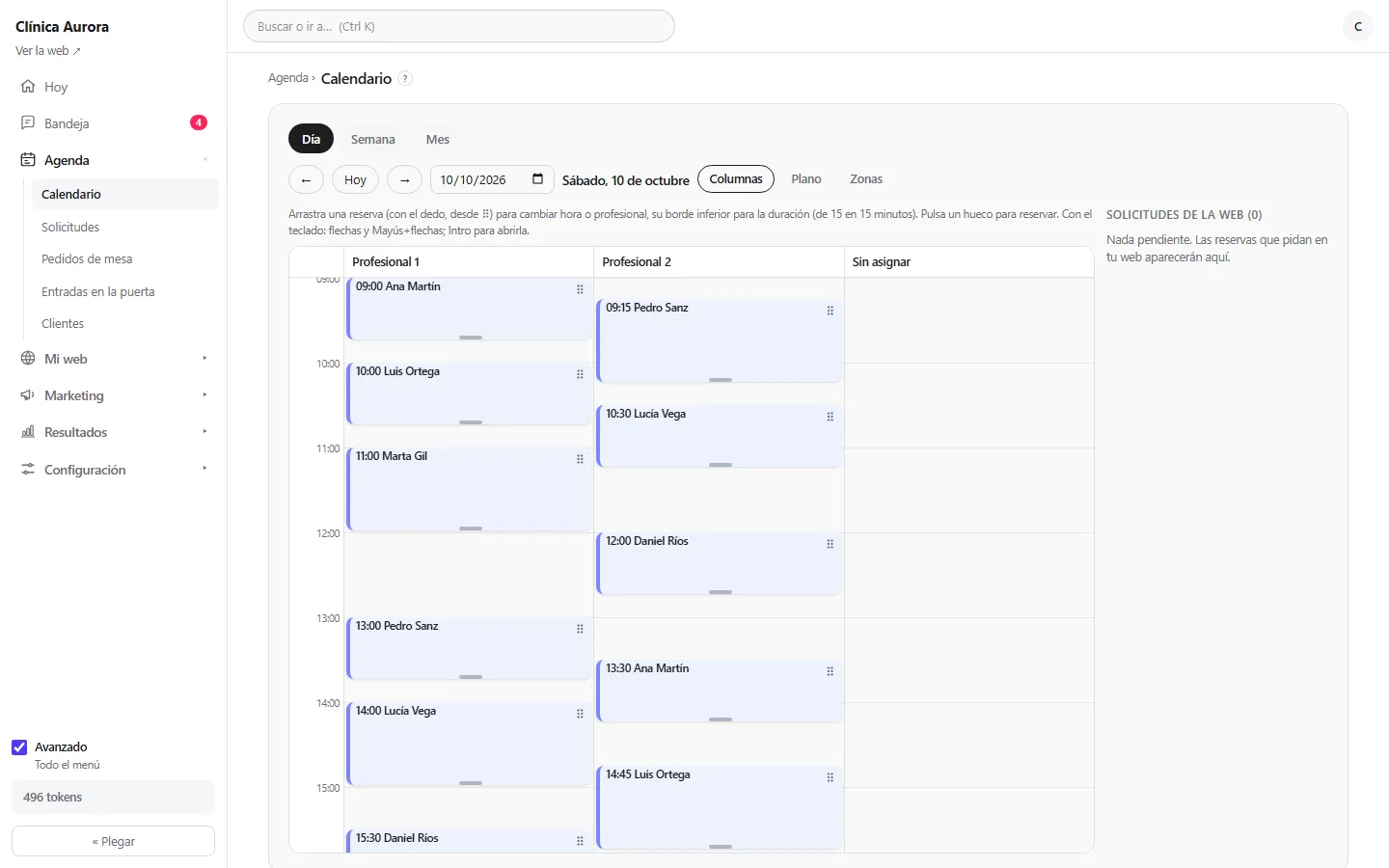
A pack needs the client to book each session. That is where the other parts of the diary help: each service has its duration, rooms and machines can be booked as resources so two treatments never take the same room, and an appointment can repeat every week. Whoever books on the website picks service, professional and time in the calendar, and the server checks that nothing overlaps.
If the treatment has variants (basic or premium, with an extra), the options of each service add price and minutes, and the appointment freezes them.
What the pack does not do
It is worth saying plainly. Axon does not set the pack's price: you set it in the shop. It does not deduct a session for booking, only for seeing the client. And it does not handle health data: do not use it to keep medical notes or histories. If your centre is a clinic, the clinical side is a different tool.
When you delete a client, their packs go with them; and the clean-up of inactive clients does not delete anyone with a valid pack.
For day-to-day work
With the pack on the record, the team sees at a glance how many sessions the client has left before opening the appointment. The payment goes into the Till if you take it in the shop, and invoices can be issued with their numbers from the same panel.
If you want to set up your packs and see them work with your treatments, book an Axon demo. Plans, with the shop and the diary, are under Pricing.