Shifts and a waiting list for a small restaurant
How to organise shifts and a waiting list in a small restaurant: floor plan, tables per shift, party size and a notice when a table frees up.

In a small restaurant every table counts. If a table for four stays empty at nine because someone did not turn up, that evening is gone. And if the phone rings in the middle of service, someone stops looking after the dining room. Shifts and a waiting list in a small restaurant do two jobs: they make tables turn over in order and they get whatever frees up filled.
This is what Axon does today for that part of service.
Shifts: the website only offers what you can serve
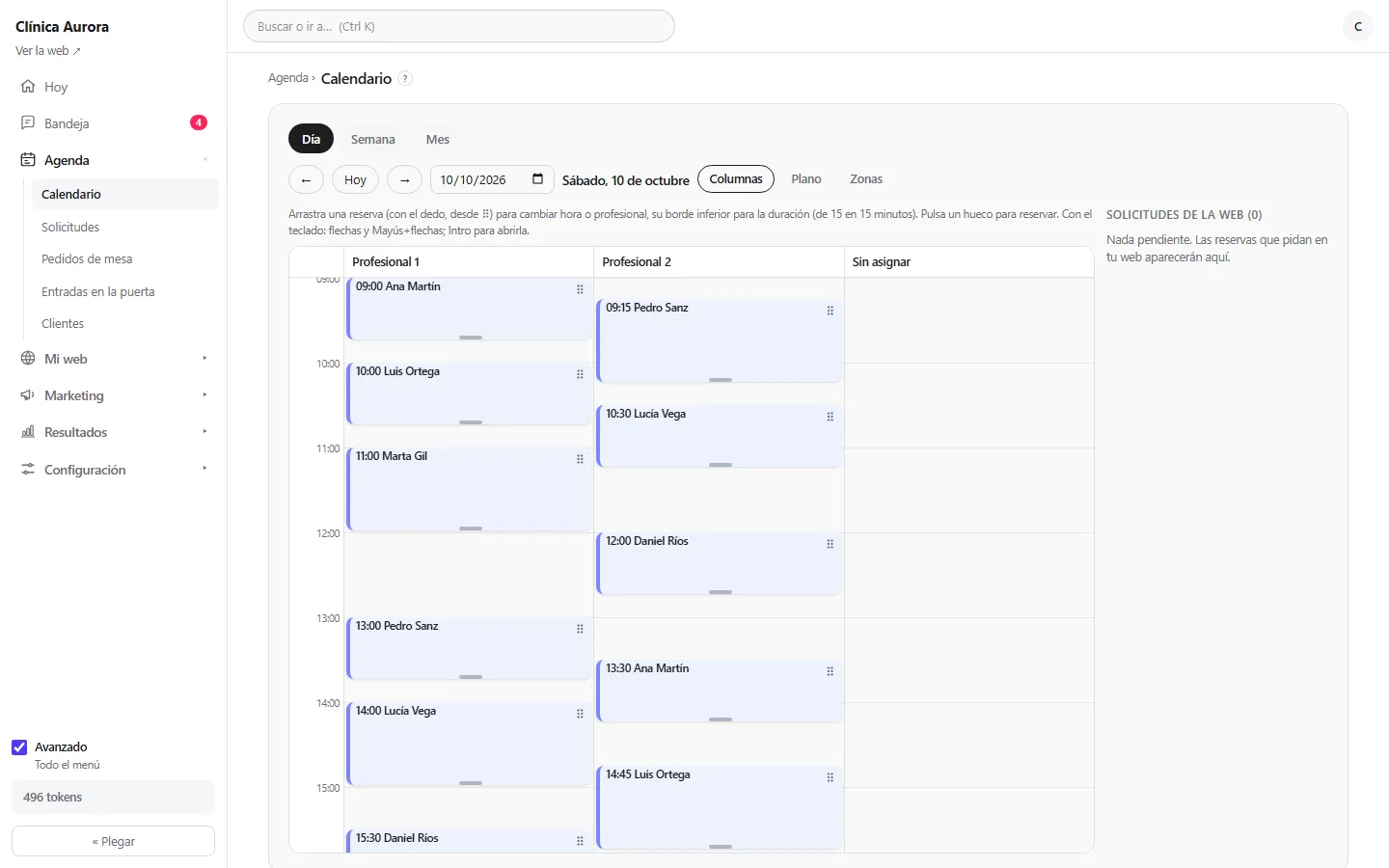
With shifts, you define your sittings, for example lunch and dinner, and the website offers only those times. Each booking holds its table for the length of the shift, so the diary knows when it is free again. The guest picks day, time and party size, and only sees the times where their group really fits.
If your service needs it, a shift can have several turns. The website offers only the start time of each turn and the table stays taken for the whole turn. That way nobody is seated at a quarter past nine at a table that will not be free until eleven.
The diary never gives two bookings at once to the same table. This is checked in the write itself, not just on screen, so two guests booking at the same time cannot overlap.
The floor plan
Under Agenda → Floor plan, you place your tables with their capacity and group them into zones: dining room, terrace, bar. You decide how they fill. Zones fill in order, one before moving to the next, and a private room is only offered, and first, to parties from a certain size.
If no table holds a large party, the engine can join free tables that touch on the plan. Only adjacent tables are joined. One booking can take several tables and all of them show as taken on the plan.
During service
The shifts view shows one plan per shift with its occupancy, and opens by itself on the current shift. On the plan you work with the people arriving:
- "Walk-in" to seat someone who comes in without warning.
- Table states: arrived, seated, bill.
- Pressing an occupied table offers to free it, extend by 30 minutes, mark as no-show, cancel the booking or open its record. Freeing and "No-show" can be undone.
- "I confirm I am coming": you can ask guests to confirm and free the tables of those who do not reply.
The waiting list
When a shift fills up, the website marks it as full and offers "Tell me if a place opens up at...". The person leaves their email and picks a time. If a booking is cancelled or a table is freed early, they get a notice with the link to the calendar for that day. Everyone is told and whoever gets there first books: the notice does not hold the table.
The waiting list is its own page, Agenda → Waiting list, showing who is waiting and the time they asked for. From there you book each person (a new booking opens with their name and email) or remove them. Under the calendar there is a "Waiting list (N)" link.

What it does not do
To avoid false expectations: the waiting list notifies by email, not by phone call or WhatsApp, and it does not invent tables. Axon has a held place that offers the slot to a single person, but it is not used for table or class bookings: here the notice is always the normal one. And Axon does not replace your judgement: you decide how long a shift lasts, which tables are joined and who gets priority.
Let the phone stop ringing
The website assistant and the WhatsApp one answer opening hours, ask how many are coming and propose the booking, which the guest confirms. If your place needs a person, the assistant hands over to the Inbox. Guests also get their reminder and can change or cancel from their booking page, which frees tables sooner.
It is worth trying the whole route before opening it: book a shift, fill it, join the waiting list and cancel to see which notice goes out.
Next step
If you want to see how your dining room looks with shifts and a waiting list, book an Axon demo. Plans are under Pricing.