Software for aesthetics centres: how Axon works
Online booking for aesthetics centres with Axon: treatments with duration, several therapists, reminders, passes, reviews and an AI assistant.
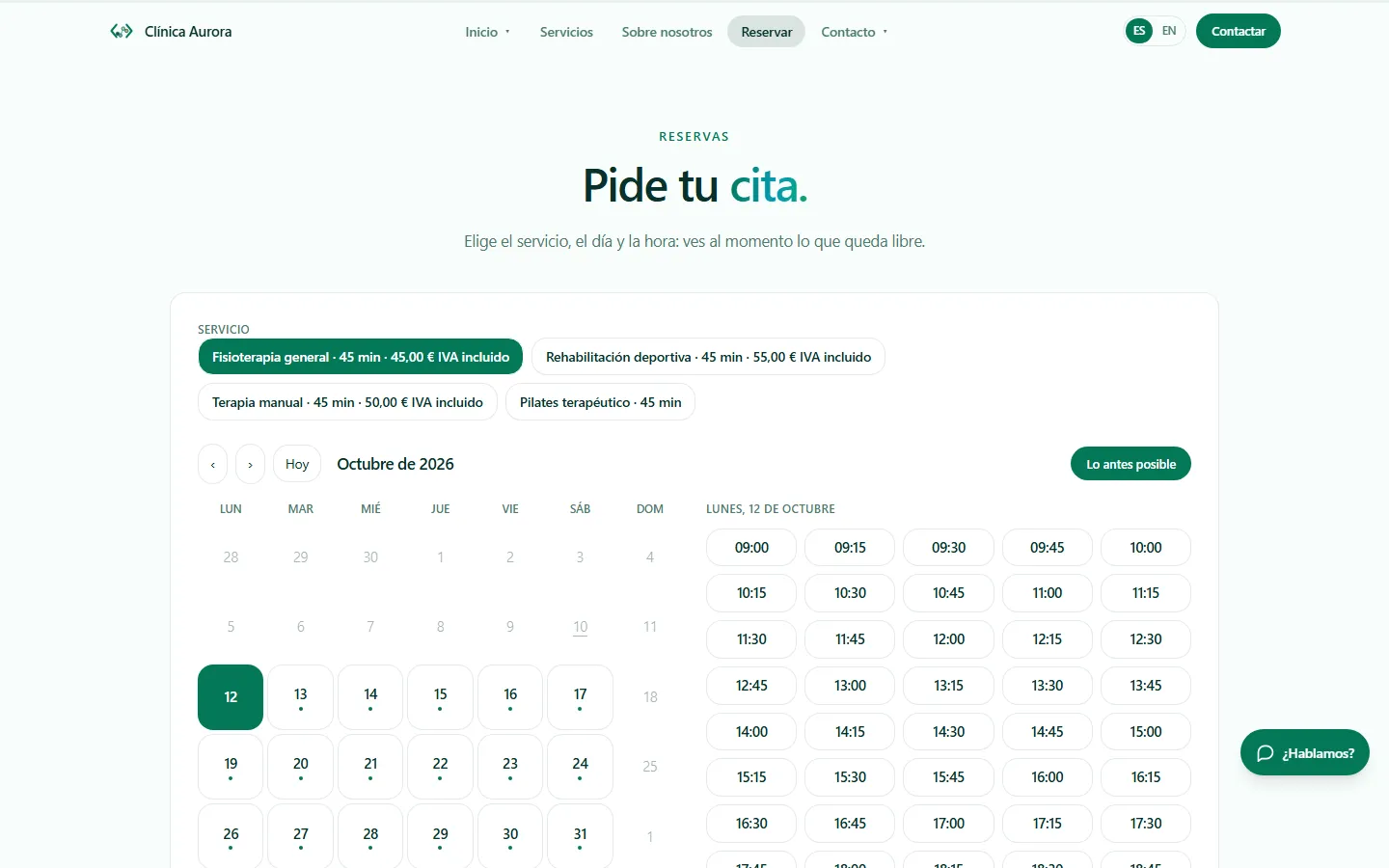
Software for aesthetics centres has to understand that a treatment is not just any hour: it lasts as long as it lasts, a specific person does it and sometimes it occupies a treatment room. Axon brings together your centre's website, an online booking calendar and an assistant. This guide explains what it does at each step of a visit.
Treatments with duration and price
Every treatment is a service with its name, description, duration and price. You decide who does it and whether it can be booked online or is only shown on the website. The services section of your site is drawn from them, so you never write them twice.
The calendar works with that duration: if a treatment lasts an hour and a quarter, the next slot starts when it ends. A therapist or a room never has two appointments at once, because the calendar itself checks when saving.
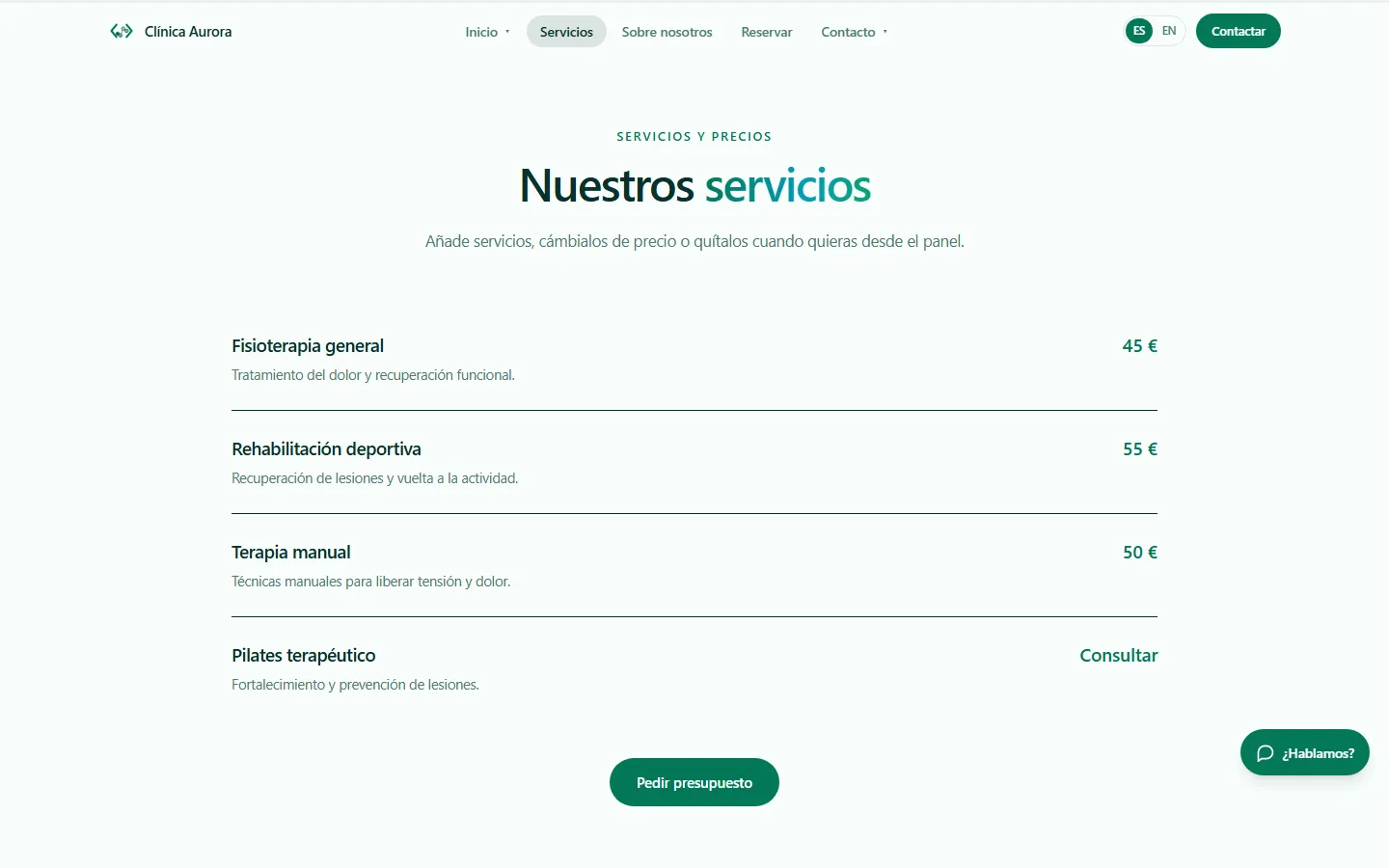
How a client books
She chooses the treatment, sees the days with free slots, picks a therapist or «anyone» and leaves her contact details. If she wants two treatments back to back, she can combine up to five services in one appointment, and the calendar looks for a slot that fits them all.
The appointment reaches your panel straight away and the client gets a confirmation with her own page where she can move or cancel it.
Deposits, no-shows and passes
For long or expensive treatments you can ask for a deposit when booking. It is charged in your own Stripe account, and the server works out the amount. You decide treatment by treatment.
No-shows are recorded by marking the appointment as «No show». The client record counts how many she has, and you choose what the website does once someone reaches a number: nothing, leave her booking as a request, or stop her booking online.
Passes are sessions of a treatment: each attended appointment uses one, once only, and if you change the appointment's status the session is given back. You can note them by hand on the client record, and sell them from your website with the shop and your Stripe account.
Reminders and loyalty
The reminder goes out one day before by default by email, and you can add another. With SMS switched on, it also goes by SMS, and with Axon Bot on WhatsApp with a template approved by Meta, only to people who agreed to it.
After the visit, Axon can handle several follow-ups, and for each one you decide whether it is off, left as a task for your team or sent automatically:
- asking for a review, with your business's Google link;
- telling people when it is time to come back, according to the interval you set per treatment;
- writing to people who have not been for a while;
- sending birthday greetings.
Only people who agreed to receive messages are written to, and every message carries its unsubscribe link.
A website that shows your work
In aesthetics, people decide by looking. Your website can carry a gallery of your work, a team presentation, treatments with their price and frequently asked questions. It is in Spanish, English and Catalan, and each language has its own address. With the shop you can sell products.

The assistant
The assistant looks after your website chat and, with Axon Bot, your WhatsApp. It replies with your data on treatments, prices and hours, says it is an AI and invents nothing. If it proposes an appointment, it is only booked once the client presses Confirm. When a person is needed, your team takes over the conversation from the inbox.
Treatment rooms, therapists and absences
In the panel, professionals, rooms and other resources are one list with their type, so a treatment room or a shared machine is booked just like a person. Each has their own hours, and holidays and absences block their time on the website and in the assistant. You see the day in columns, one per person.
For the client, none of this changes: she chooses the treatment and the time. For you, the calendar stops a room or a therapist having two appointments at once, even if two people book in the same second.
Common questions
- Does each therapist see only her own calendar? You can see the day per therapist, and each has her own hours and her absences or holidays.
- Can I change a treatment's price? Yes, from the panel, and the website updates. An appointment already booked keeps the price it was asked at.
- How far ahead can someone cancel? You set it: the minimum notice for booking, changing and cancelling is a rule of your calendar.
- Can people book in another language? Yes: the website and the emails come in the language the client booked in.
How to start
You choose the aesthetics sector, the website is born with sample treatments and you change whatever you want from the panel. Request a demo and we will show you how your centre would look, and see the plans under Pricing.