Take a deposit when someone books, with Stripe
How to take a deposit when someone books an appointment online, using your own business's Stripe account: amount or percentage, refunds and when it helps.
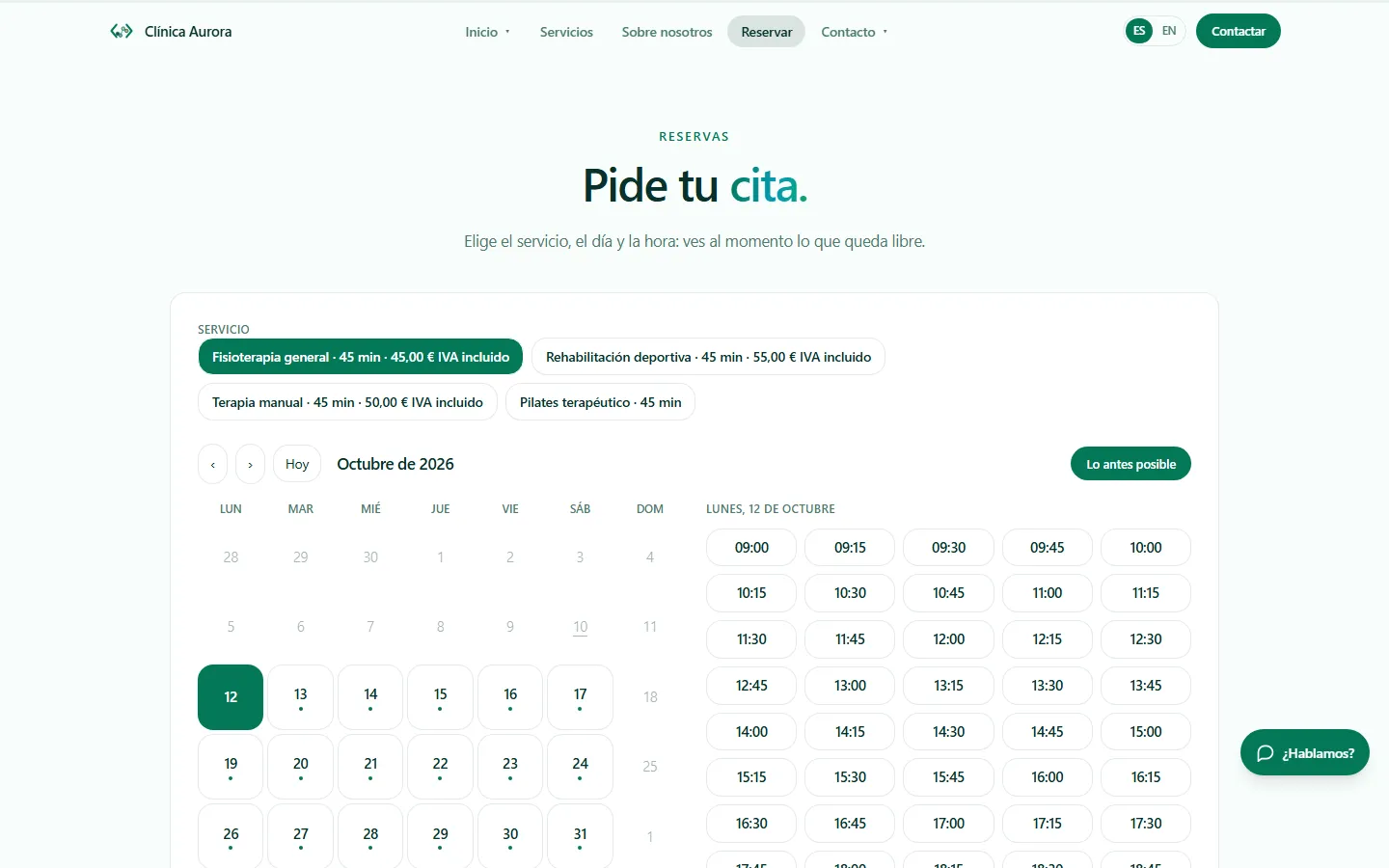
Asking for a deposit when someone books is one of the clearest ways to protect your diary: people who have paid something up front tend to remember to turn up. In Axon, taking a deposit when someone books an appointment is set up service by service, and the money goes to your own business's Stripe account, not to an intermediary.
How the payment works
The deposit is optional and is set on each service. To take it you connect your business's Stripe account in Business → Payments. With no account connected nothing is charged: the booking still goes through, without a deposit.
When the customer picks a time, the website tells them how much the deposit is for that slot before they confirm. They then pay on Stripe's payment page, and the appointment is confirmed once Stripe tells Axon the payment has come in. An appointment is never treated as paid because of what the customer's browser says: only Stripe's signed notice counts.
Fixed amount or percentage
On each service you choose one of two things:
- A fixed amount, for example a sum in euros for a long session.
- A percentage of the price, from 1 to 100. If you set it, it overrides the fixed amount.
The percentage is rounded to the cent and never goes above the service price. If the result comes out below 50 cents, which is the minimum Stripe accepts, the appointment is booked with no charge rather than attempting a payment that would fail.
The price and the deposit are worked out by the server, not by the browser. If your prices change by time band, the deposit follows the price of that slot. If the price changes between the customer seeing it and confirming, the website tells them instead of charging a different amount.
How long they have to pay
There are two routes depending on how your website is set up:
- Instant confirmation. The appointment is held as awaiting payment and the customer has 30 minutes to pay on Stripe. If they do not pay in time, the slot becomes free again by itself.
- With a request. The customer asks for the slot and, when you accept it, they get a payment link by email that lasts 24 hours.
If a payment ever arrives after the slot had already been released, it is refunded.
Refunds
Each service has its own rule for returning the deposit:
- In time: it is returned if the customer cancels within the cancellation window you have set.
- Always: it is returned in any case.
- Never: the business keeps it.
If you are the one cancelling, the deposit is always returned. The rule is stored with the appointment at the moment of booking, so changing the service's policy later does not affect appointments already paid.
When a deposit makes sense
It depends on your business, and the decision is yours. Some reasonable ideas:
- Long services, or ones that block a treatment room, a chair or a team member for a long time.
- Slots that are hard to refill at short notice.
- New customers, whose history you do not know yet.
- Services where you have already had no-shows.
For short, low-priced services, a deposit may put off more bookings than it protects. You can try it on a single service and see how your customers take it. A small deposit set as a percentage is usually easier to accept than a large fixed sum.
Worth knowing
The customer sees the deposit before confirming, not after. That avoids surprises and complaints: they know from the start how much they pay now and how much is left for the day of the appointment. You can check each payment in your own Stripe account, because it is yours.
The assistant on the website and on WhatsApp can give information, but when a service has a deposit and an account is connected, it sends the customer to the website to pay. And as with any payment, what the deposit means for your accounts and taxes is worth confirming with your accountant.
To try it
In Axon the deposit is part of the calendar: you choose the service, set the amount or percentage and the refund policy, and connect your Stripe account. See the plans under Pricing or ask for a demo and we will go through it with your own services.