WhatsApp bot for restaurants: table reservations
A WhatsApp bot for restaurants answers hours and menu, proposes the table the guest confirms and hands over to your team. This is how Axon does it.
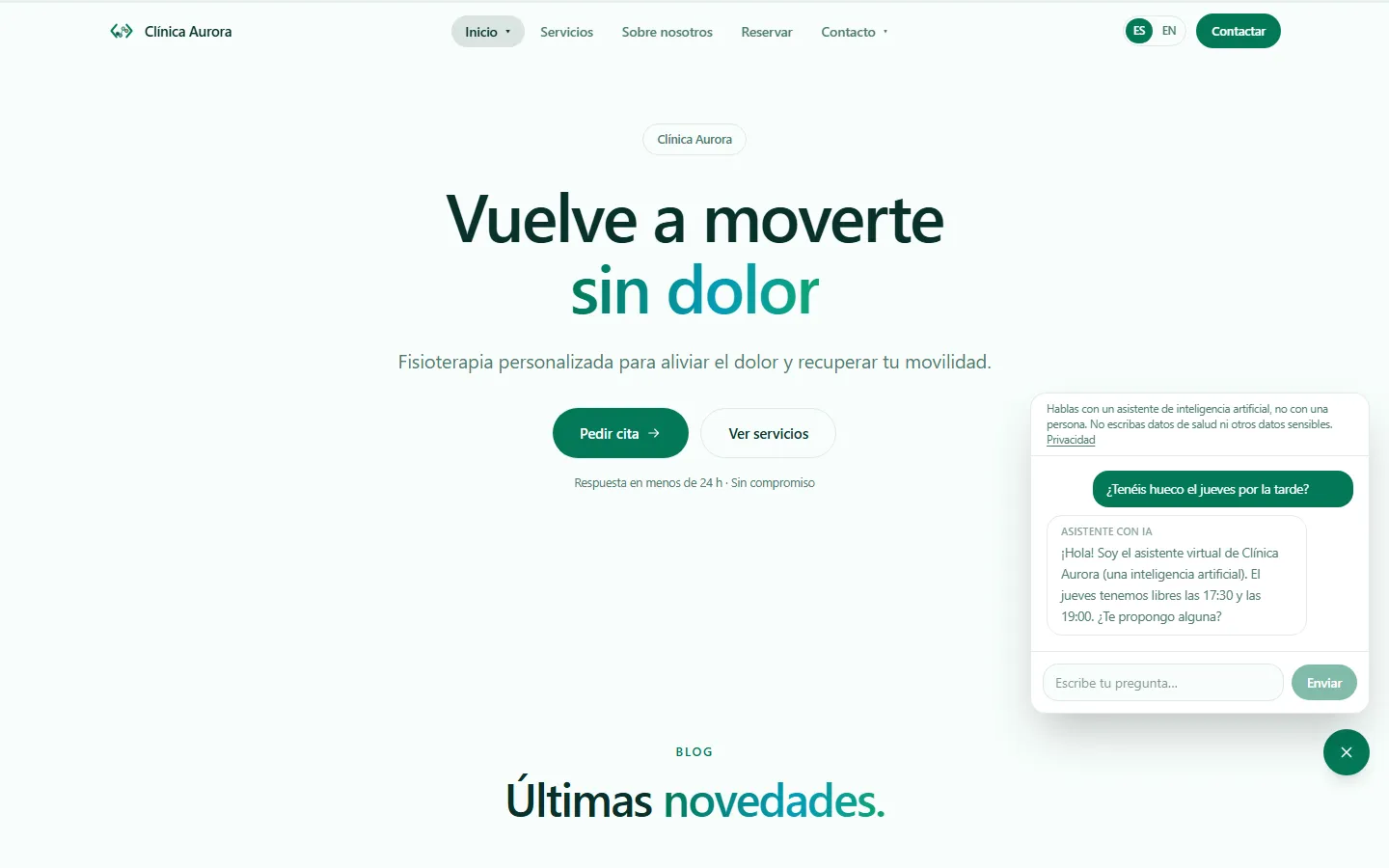
A WhatsApp bot for restaurants helps most at the worst moment: in the middle of service, when you cannot pick up the phone. Axon's assistant answers messages with your data, proposes the booking and lets the guest confirm it.
What it answers
It answers from the information you have stored: opening hours, address, the menu with its dishes, closing days and the FAQs you have written. What is not in your data, it does not invent.
- Lunch and dinner hours, and closing days.
- What is on the menu.
- How to get there and where to park, if you have written it.
- How to book a table or change a booking.

How it proposes a reservation
In Axon, each restaurant defines its sittings, capacity and the tables on the floor plan, and the diary never gives the same table twice. The assistant works on that diary: it asks the day, time and number of guests, checks what is free and offers only what exists.
Then it summarises the booking (day, time, guests, name) and asks whether to confirm. On WhatsApp, the first "yes" to that summary confirms it and only then is it made. The person gets a six-digit code to change or cancel it, and your team gets the alert.
The AI does not decide availability or book on its own: it asks the diary and waits for confirmation.
When it hands over to your team
The assistant passes the conversation to a person when the guest asks, when there is a complaint or a discount request (if you set it up that way), or when the question is not in your data, such as a large group or a special event. It only hands over within your opening hours; outside them, it says when you can reply and offers to take a message.
If you answer from the Inbox, the assistant stays quiet in that conversation for the time you choose.
Consent and opting out
A person's first message gets a notice: who is answering, that the text is processed with an AI service, and the question of whether they want to talk to the assistant. If they accept, the AI answers; if not, only your team does. At any moment they can write STOP, BAJA or BAIXA to stop talking to the assistant and stop receiving what you write first.
Writing first
To write before the guest does, WhatsApp requires templates approved by Meta. Axon includes the appointment reminder, which goes to those who accept it, always with the opt-out. Meta charges separately for its messages, depending on your account.
What you need
WhatsApp and Axon Bot are Axon modules: what each plan includes is under Pricing. If you do not have Axon Bot, messages arrive in the Inbox and your team answers.
What it does not do
It does not take food orders on WhatsApp: reservations are proposed and confirmed, while takeaway or at-table orders go through the menu on your website. With Axon Bot it reads a photo, a PDF or a voice note once the person has agreed; if it is anything health-related, your team handles it.
Common questions
Does it answer while I am in service? Yes: it answers at any hour with your data and alerts your team when a booking is made or when someone needs a person.
Can I see what was said? Every WhatsApp conversation appears in the Inbox, marked as such, and you can step in whenever you like.
What if the guest wants to change the time? They ask for the change and the assistant prepares it, with the diary as referee; the guest confirms it like the original booking.
Next step
Ask for an Axon demo and we will show you your dining room, your sittings and how the assistant would answer with your restaurant's menu and hours.